RS.TR979 j
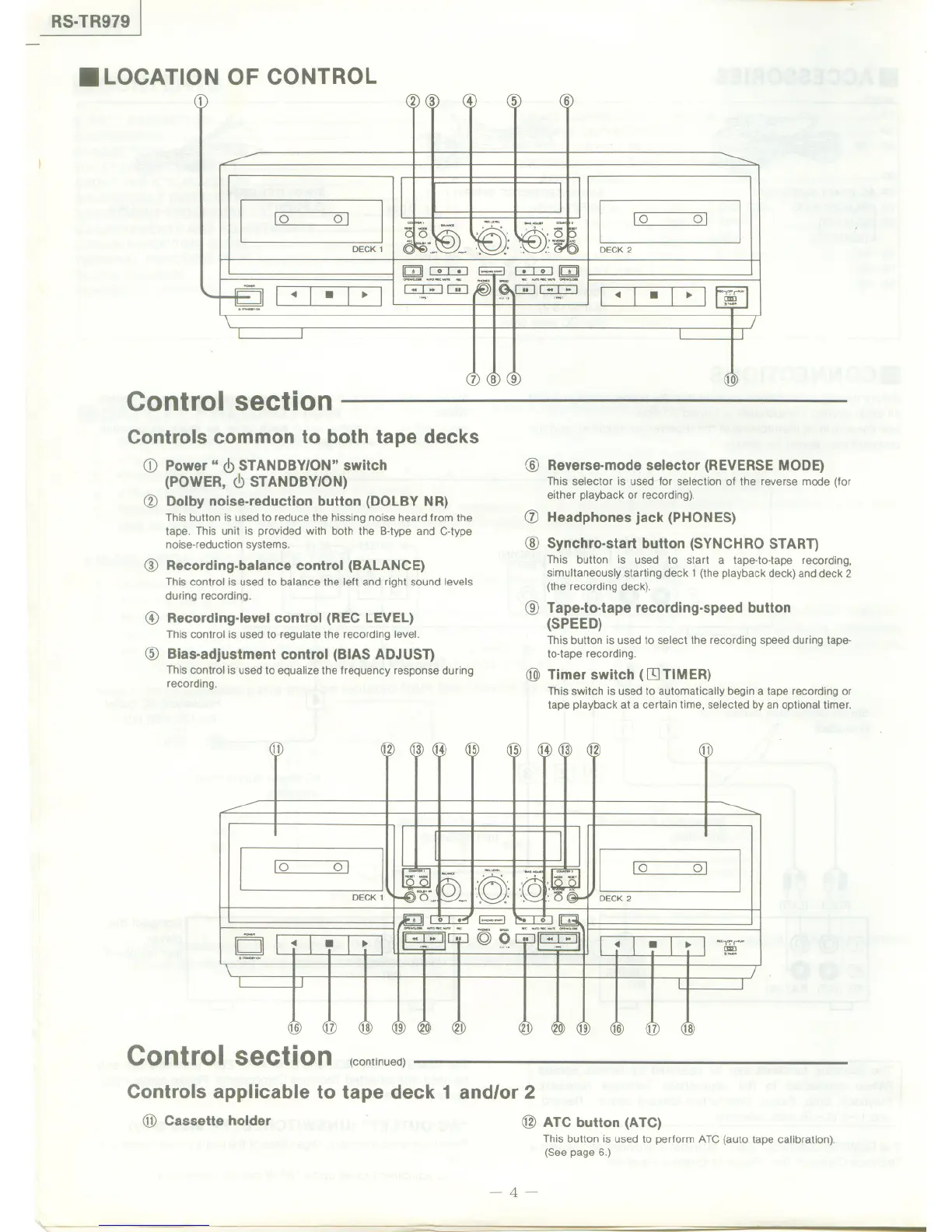
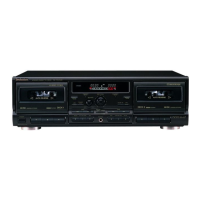
.LOCATION OF CONTROL
2) (3
[0 0]
DECK 1
~
Control section
Controls common to both tape decks
CD Power" <!>STANDBY/ON" switch
(POWER, <!>STANDBY/ON)
@ Dolby noise-reduction button (DOLBY NR)
This button is used to reduce the hissing noise heard from the
tape. This unit is provided with both the B-type and C-type
noise-reduction systems.
4 5
[0 0)
DECK2
~
@ Recording-balance control (BALANCE)
This control is used to balance the left and right sound levels
during recording.
@ Recording-level control (REC LEVEL)
This control is used to regulate the recording level.
@ Bias-adjustment control (BIAS ADJUST)
This control is used to equalize the frequency response during
recording.
11
1~ 13) (1(
[0 0]
DECK 1
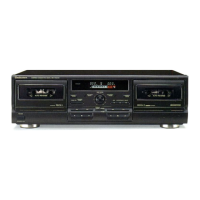
Control section
(continued)
Controls applicable to tape deck 1 and/or 2
@ Cassette holder
@ Reverse-mode selector (REVERSE MODE)
This selectoris usedfor selectionof the reversemode(for
eitherplaybackor recording).
(j) Headphones jack (PHONES)
@ Synchro-start button (SYNCHRO START)
This button is used to start a tape-to-tape recording,
simultaneously starting deck 1 (the playback deck) and deck 2
(the recording deck).
@ Tape-to-tape recording-speed button
(SPEED)
This button is used to select the recording speed during tape-
to-tape recording.
@ Timer switch ([9 TIMER)
This switch is used to automatically begin a tape recording or
tape playback at a certain time, selected by an optional timer.
15
1~15
11
[0
OJ
-,"'.....
~
16
n
@ ATC button (ATC)
This button is used to perform ATC (auto tape calibration).
(See page 6.)
-4-



 To Next Page