Operation & Maintenance Manual
CD-135 / CD-155
OM-02-02
Revision no.:
Revision date:
Chapter:
Issue:
Issue date:
Page:
Content:
02-OM-06-02
4
30.07.2014
49
74
7
20.07.2016
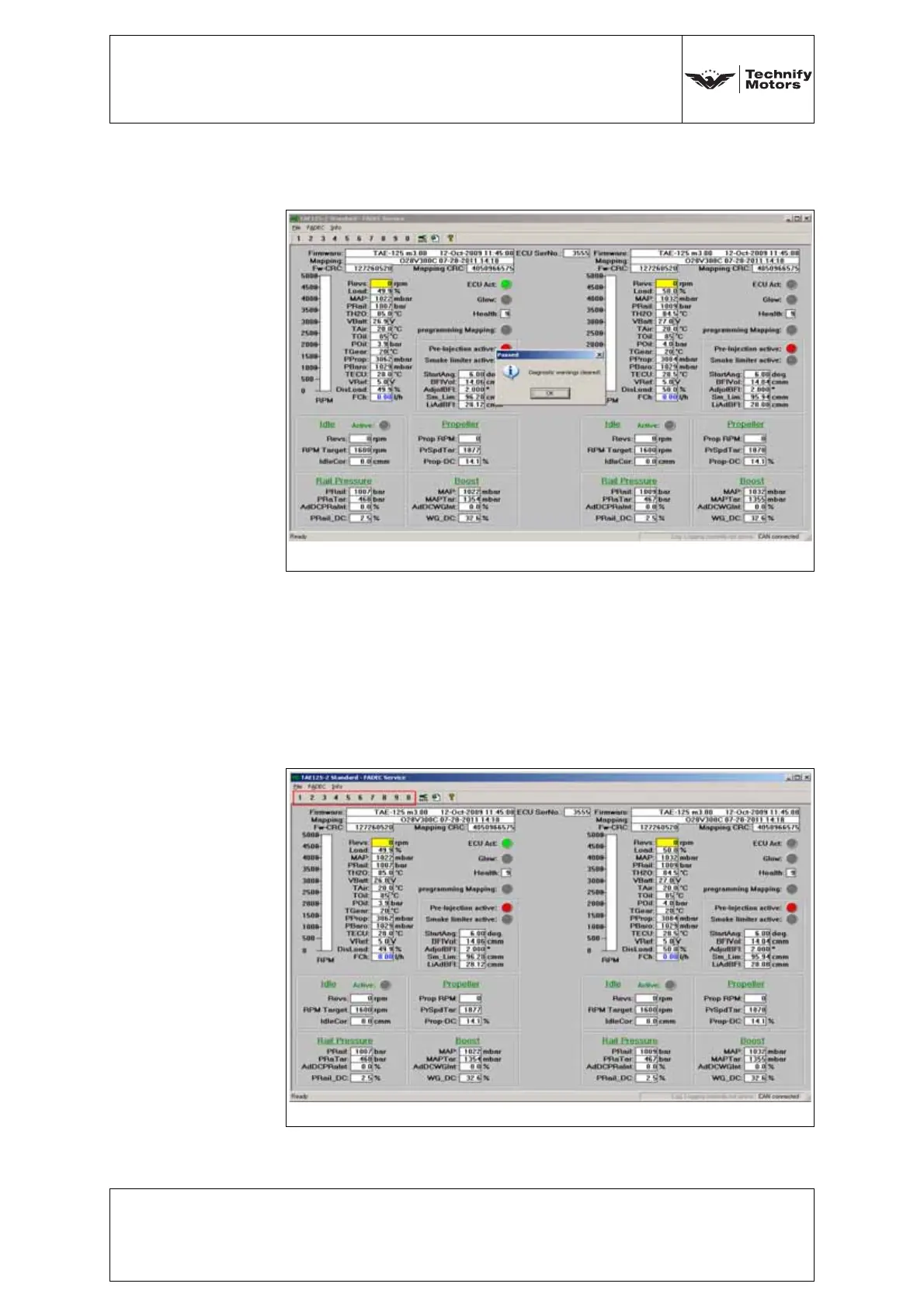
b) Enter the Password, select OK. The following screen
will appear:
c) Cycle ECU power and ensure that the lights on the
panel have extinguished.
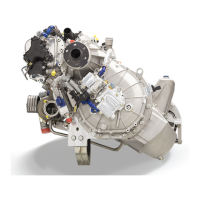
7. Selecting Different Screens
The tool allows access to various screens to view engine
parameters, status of diagnostic warnings, as well as
engine run statistics. Access these screens through the
hotkeys at the top of the screen.
Fig. 6.40 FADEC read-out - Enter password successfully
Fig. 6.41 FADEC read-out - Hot keys



 To Next Page