Call: 1-631-648-7481 or Visit: support.technocnc.com
21
HD Series Manual
NK105G2
3.7-RunningaG-codele.
OncetheXYZoriginhasbeensetaspersection3.4andthelehasbeenloadedaspersection3.6
theuserisreadytoruntheG-codele.
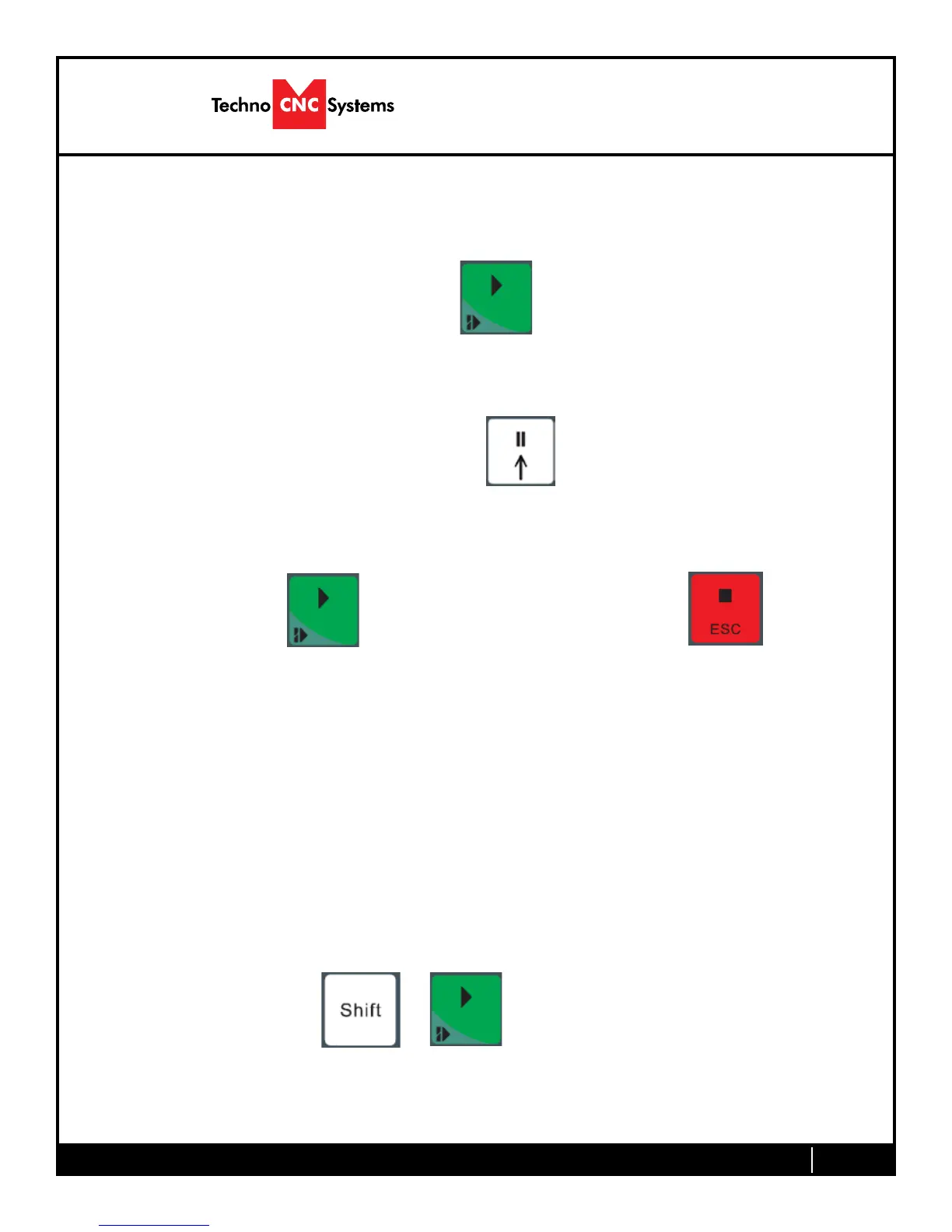
ToruntheG-codelesimplypressthestartbutton
Oncethespindlehasreachedspeedthemachinewillmoveintopositiontostarttherstcut.
Thelecanbepausedwhilerunningbypressing
Toresumethelepress. Toaborttheleatanytimepress.
Note:
When the machine pauses, the spindle will stop and the Z axis will move to the Z clearance/
Safe height to allow inspection of the part.
Ifthemachineisjoggedoffthepartduringapause,itwillloseitspositionandwhentheleis
resumed it will start from the new position.
Whenusingmultipletoolsitisbesttocreateseparatelesforeachtool.
Thelastlecanberesumedatabreakpointbypressing.
+


 To Next Page