22
Call: 1-631-648-7481 or Visit: support.technocnc.com
HD Series Manual
NK105G2
4.1- Alternating between Override and Programmed Feedrates.
IV. Advanced Tutorials.
ThecontrollercanrunG-codeleswithspeedsetbytheuseronthekeypad,overridespeed,orwith
speedsetintheCAMpackage/G-codele,programmedspeeds.
To determine what speed protocol will be used, do the following:
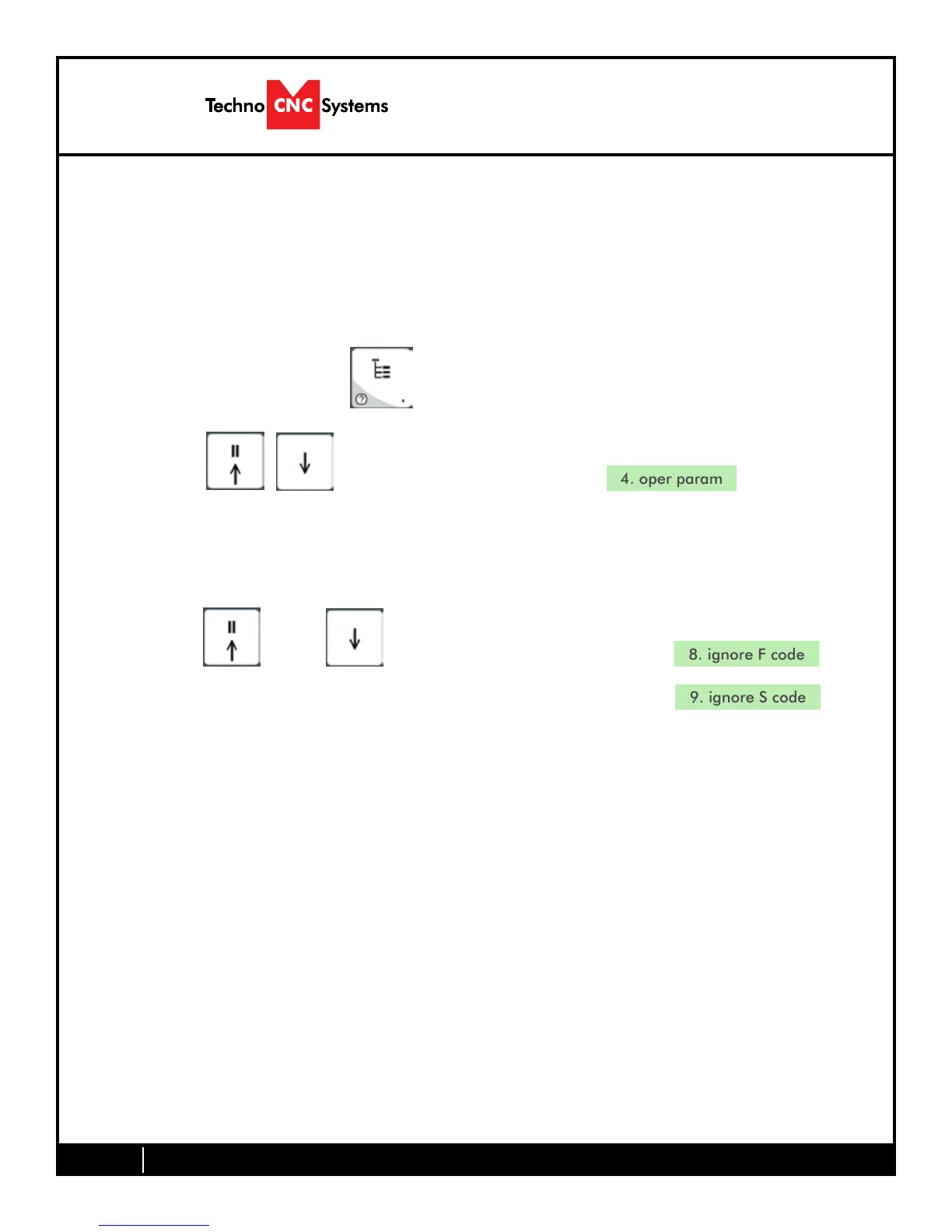
In the main screen, press menu to enter the menu screen .
Use the and key to scroll the cursor and highlight
Press OK to select.
Use the and key scroll the cursor and highlight
Press OK to select.
Note:
The F or S Option.
F stands for Feed rates, and S stands for Spindle RPMS.
Note:
“No”meansspeedintheG-codelewillbeobeyed.
“Yes” means speed will be overrode by the controller.


 To Next Page