Call: 1-631-648-7481 or Visit: support.technocnc.com
9
HD Series Manual
NK105G2
I.I Techno HD Installation
1.1
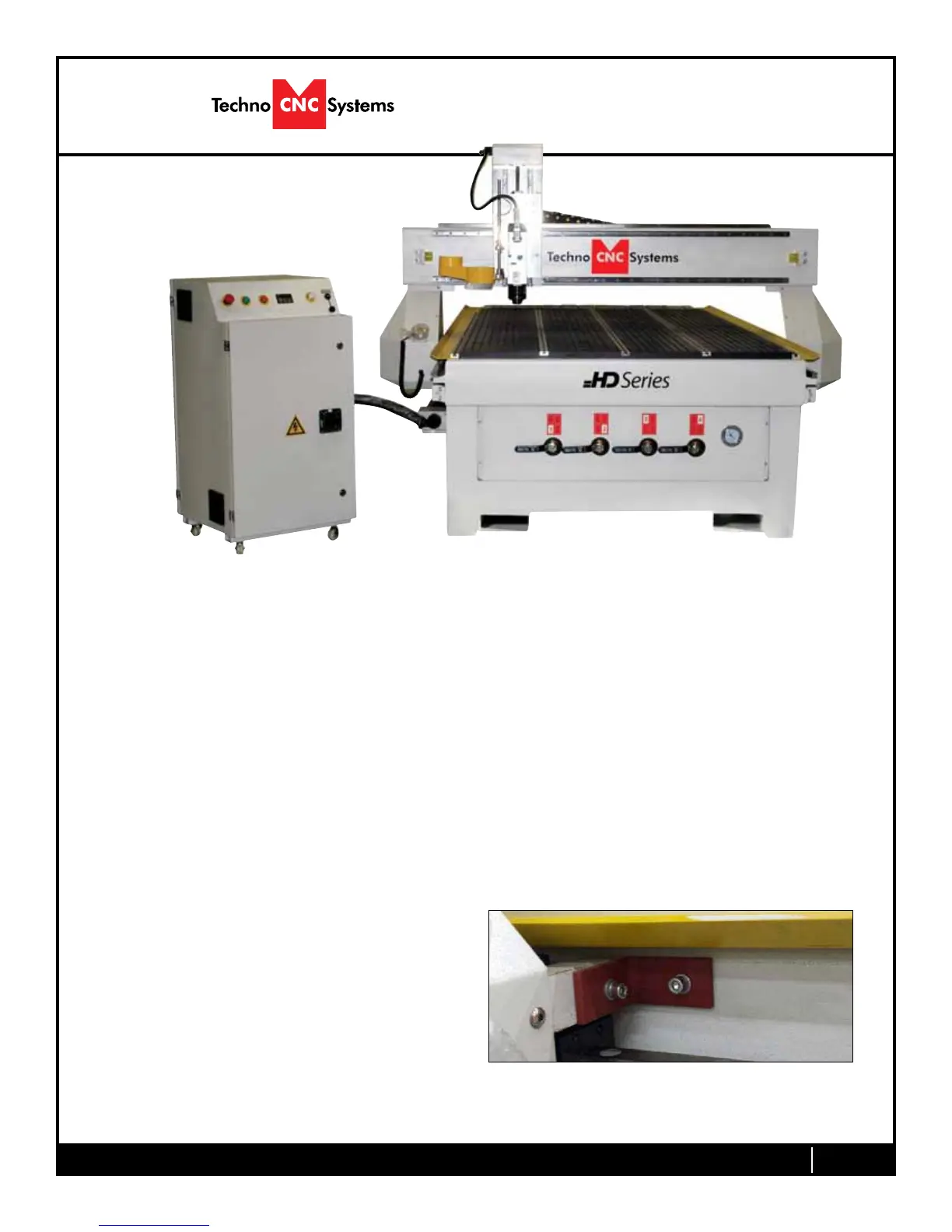
Removethecontrollerandplaceitontheoortotheleftofthemachine.
When unpacking the controller, avoid twisting the cable carrier that guides the cables to the motors.
Fig.1.1
Carefully remove the HD from its wood pallet. Be sure to remove the brackets from its four feet
as well as anything stowed under the HD during shipping.
Remove all bubble wrap, foam and strapping from the machine.
Attached the provided leveling feet to the six legs and adjust accordingly until the table is level.
1.1a
Remove the three brackets used to stabilize the
gantry during shipping using a M3 or M4 allen
wrench. (Fig. 1.1a)
Fig.1.1a


 To Next Page