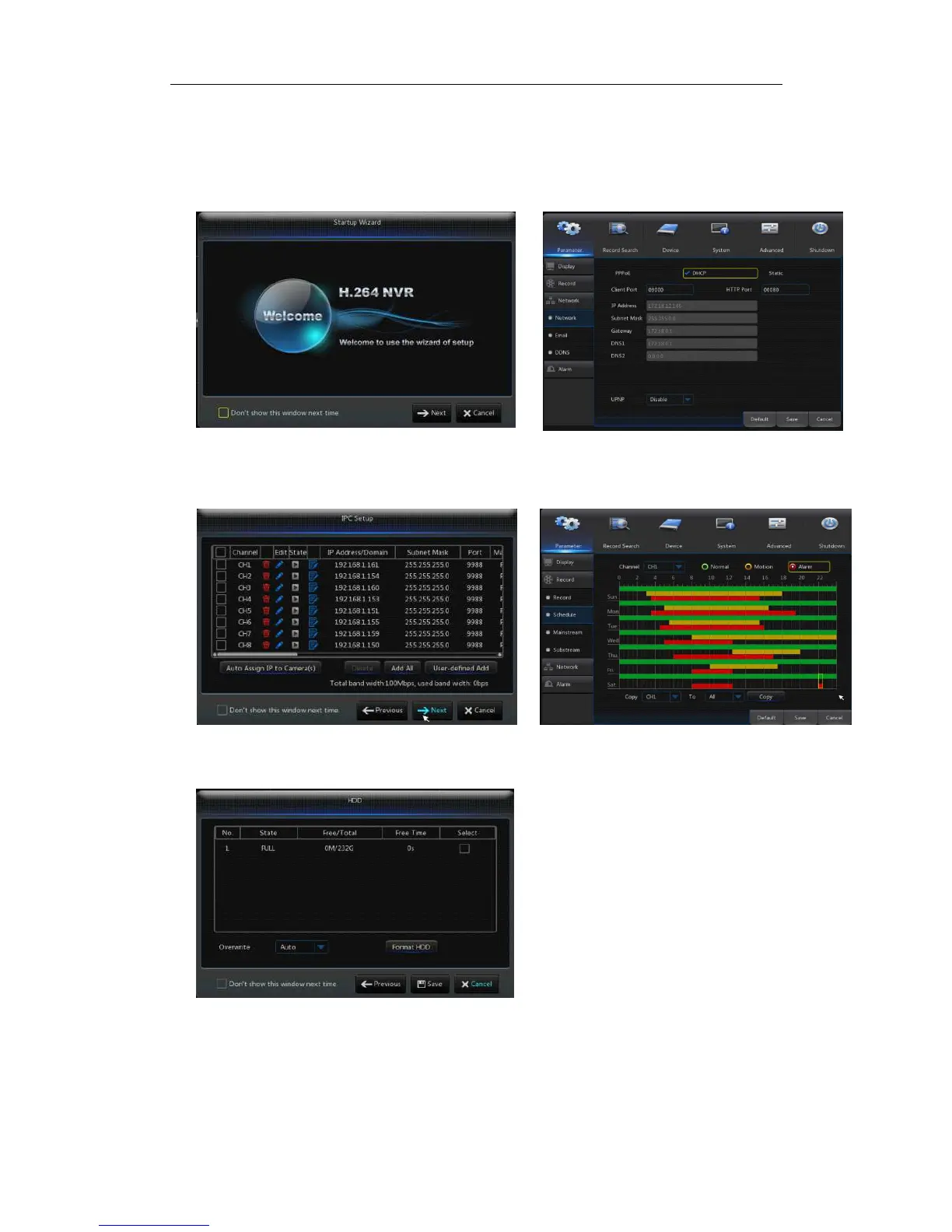
shown in Picture3-2.
Wizard setting menu includes:Homepage, Network setup, IPC setup, Record
Schedule and hard disk maintenance..
1.
..
.Homepage and network setup. In network setup page, user may set the network of
NVR.
Picture3-2 Picture3-3
2、IPC Setup(Picture3-4). In this page, user may add and delete IPC; Record Schedule
(Picture3-4). In this page, user may set recording time and scheduled recording of NVR.
Picture3-4 Picture3-5
3. HDD (Picture3-6). It supports HDD formatting and overwriting type.
Picture3-6



 To Next Page