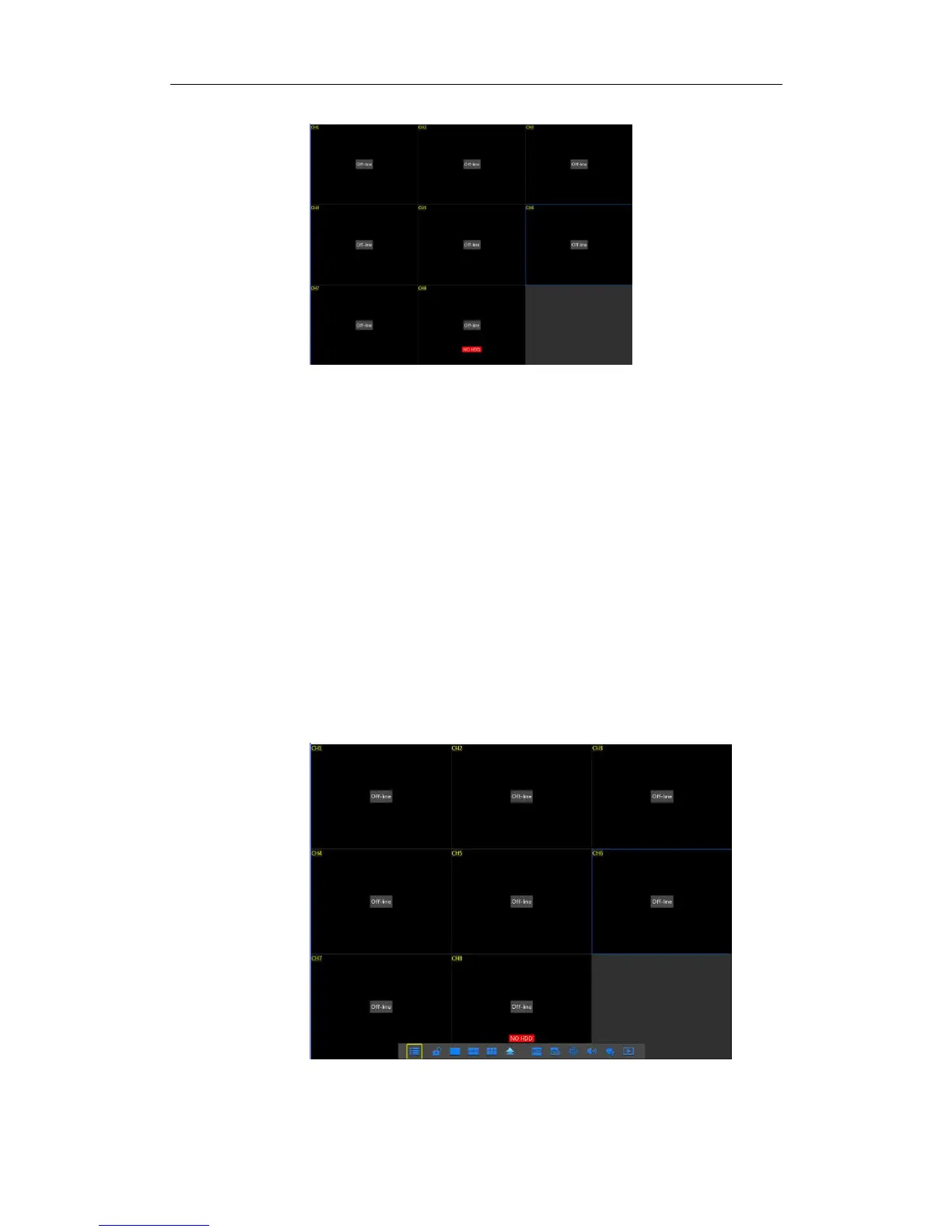
3.2Main Interface
Picture3.2-1
Note: When internal HDD is not connected to NVR or the HDD is not formatted,first
channel of the live screen and accompany buzzer alarm. If you want to close the buzzer
alarm, please enter into [EventAlarm] to set HDD loss, HDD space not enough and
alarm output to “off”.
Chapter 4 NVR Menu
Popup Menu
Picture4-1
or slide the mouse to the bottom of screen to enter into Pop-up Menu. Now you could
perform parameter setting and operate on Main Menu, Multi-Pics, Auto Cruise, Record
Search, Sequence, Volume setting and Stream switching, shown as Picture 4-1.
The options in the pop-up menu may be varied slightly according to different parameter
settings
.
The options in the menu will be explained in detail in the following chapters.



 To Next Page