4. Maintain
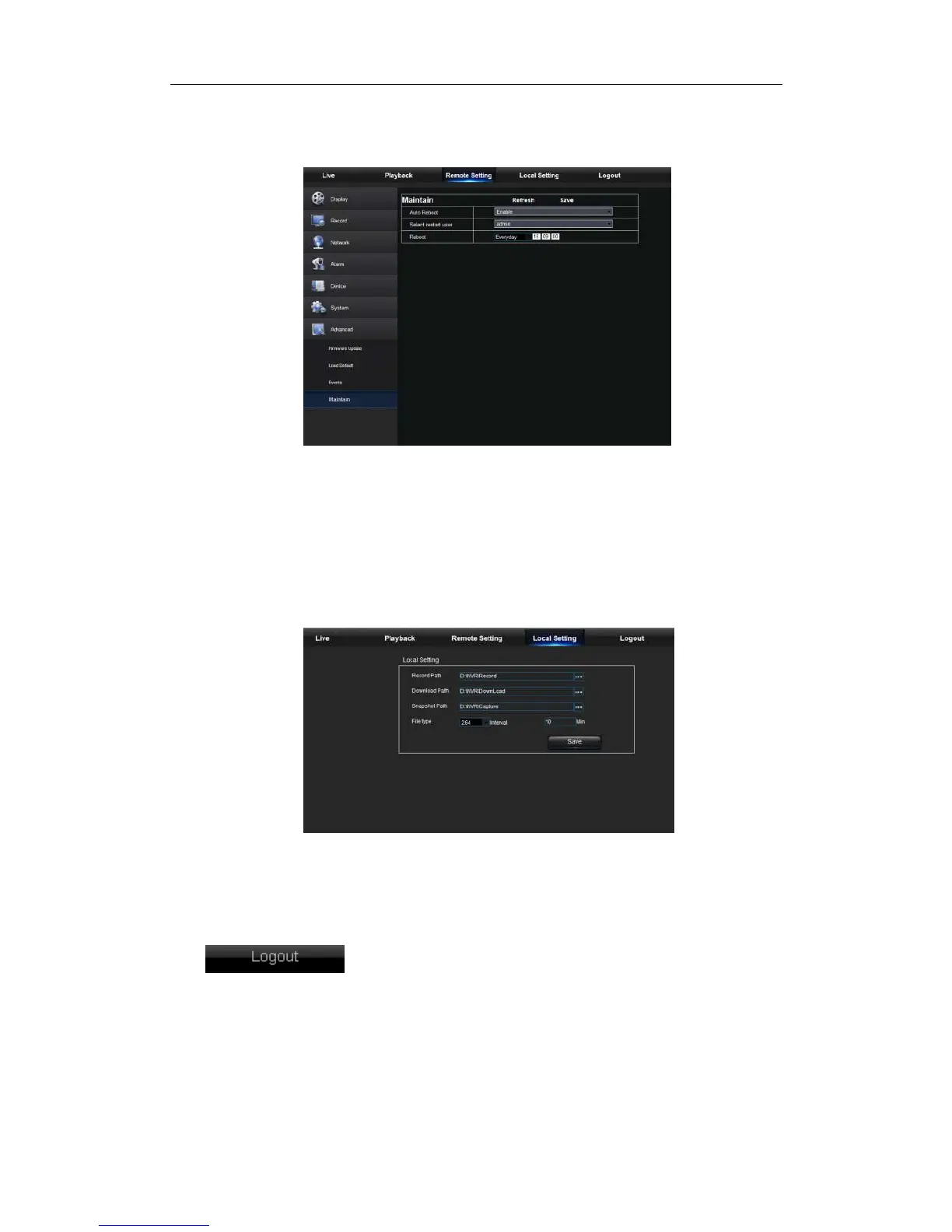
Allow you remotely set auto maintain time for NVR shown as Picture 5-33. Detailed setting
should be consistent with NVR local setting.
Picture 5-33
5.3.4 Local Setting
User may set Record Path (save Live record and Playback clip file), Download Path for
remote file, SnapshotPath for captured pictures, Interval for switching record files
(Packaging time), and File type (H264 and AVI) shown as Picture 5-34.
Picture 5-34
5.3.5 Logout
Click to log out and return to the Login interface.



 To Next Page