Adjust the chromaticity of video
Adjust the contrast of video
Adjust the saturation of video
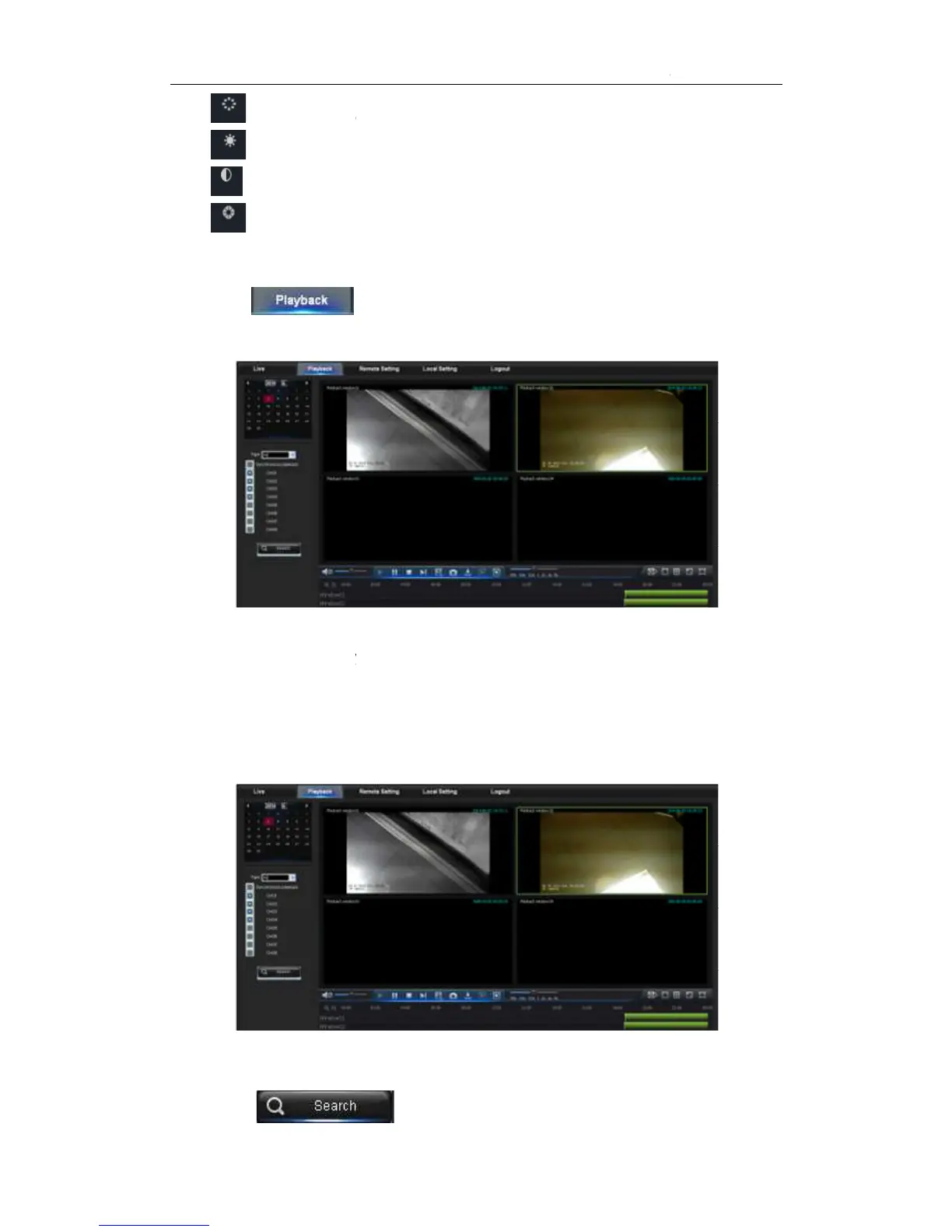
in NVR HDD, as shown in Picture
It supports 4 channels playback
Record playback procedure
Firstly, select the date you want to check and
current channel at current date will be displayed in the status bar of the interface.
Secondly, select record type (Normal record, Alarm record and All) and channel
Adjust the chromaticity of video
Adjust the contrast of video
Adjust the saturation of video
to enter into Playback interface to remotely view the records
in NVR HDD, as shown in Picture
It supports 4 channels playback
Record playback procedure
Firstly, select the date you want to check and
current channel at current date will be displayed in the status bar of the interface.
Secondly, select record type (Normal record, Alarm record and All) and channel
and time axis panel will display specific time quantum,
to enter into Playback interface to remotely view the records
current channel at current date will be displayed in the status bar of the interface.
Secondly, select record type (Normal record, Alarm record and All) and channel
and time axis panel will display specific time quantum,



 To Next Page