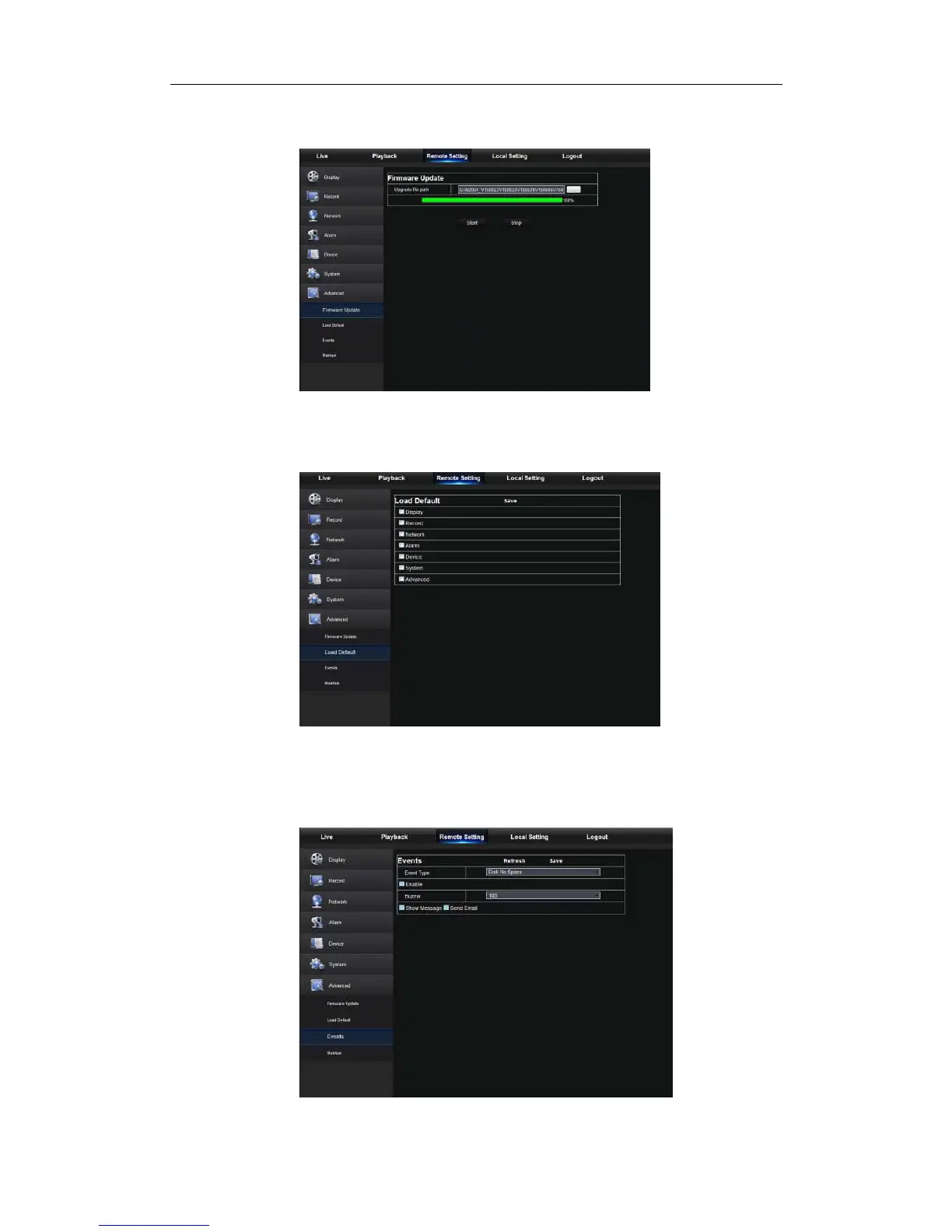
Secondly, click “Start” to start updating. The updating progress can be seen on the screen,
as shown in Picture 5-30.
Picture 5-30
2. Load Default
User may remotely restore default parameters of NVR, with same setting method as that
of NVR, shown as Picture 5-31.
Picture 5-31
3. Events
User may configure Event Type, Buzzer, Send Email, Show Message and other
parameters shown as Picture 5-32. Detailed setting should be consistent with NVR local
setting.



 To Next Page