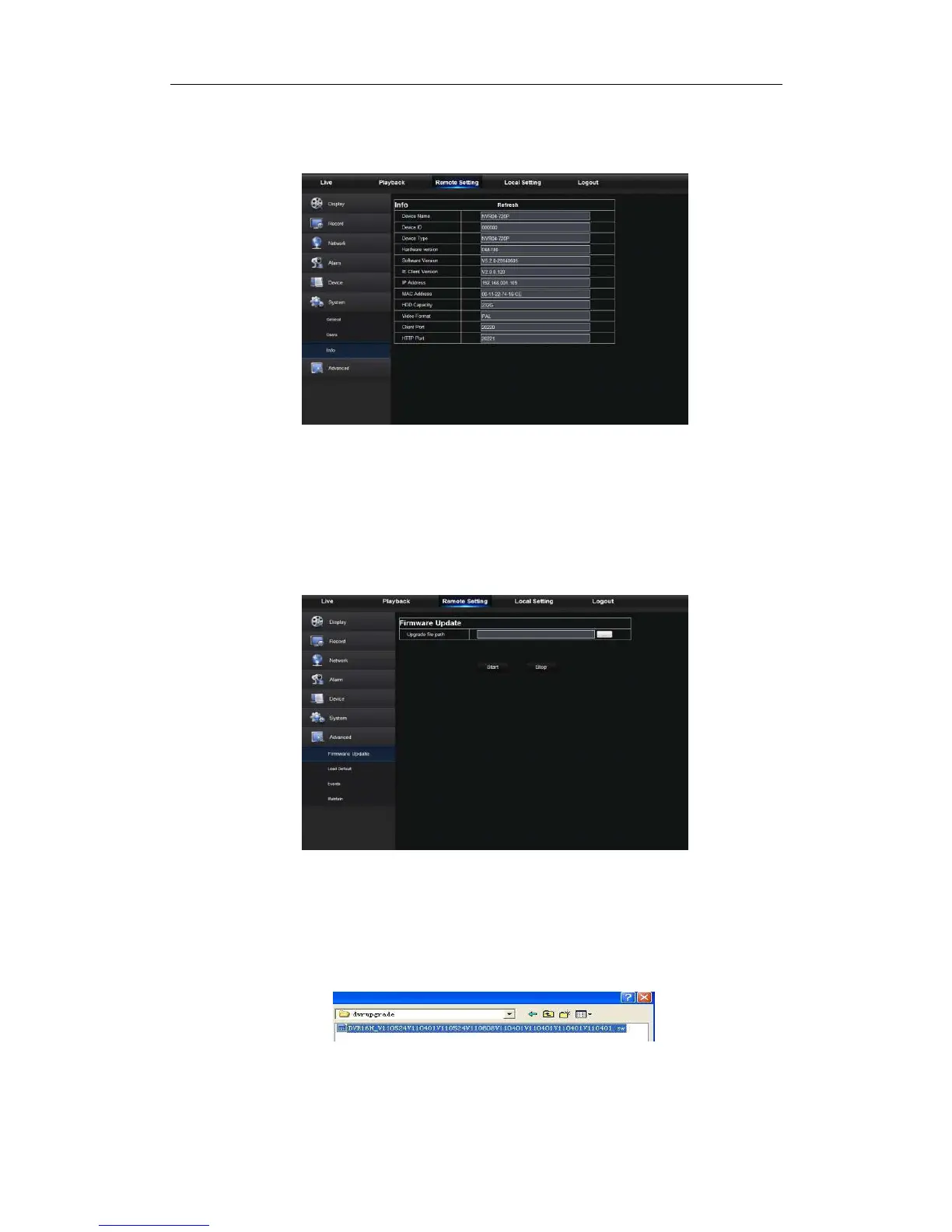
3. Information
User may search device name, device number, device type, MAC address, software
version, IE version and hardware version of NVR shown as Picture 5-27.
Picture 5-27
5.3.3.7 Advanced
Click Advance to unfold its sub-options: FirmwareUpdate, Load default, Events and
Maintain.
1. Firmware Update
User may remotely update NVR system, as shown in Picture 5-28.
Picture 5-28
Updating procedure:
Firstly, select the update file path. The file format is .sw. Please refer to Picture 5-29.
Picture 5-29



 To Next Page