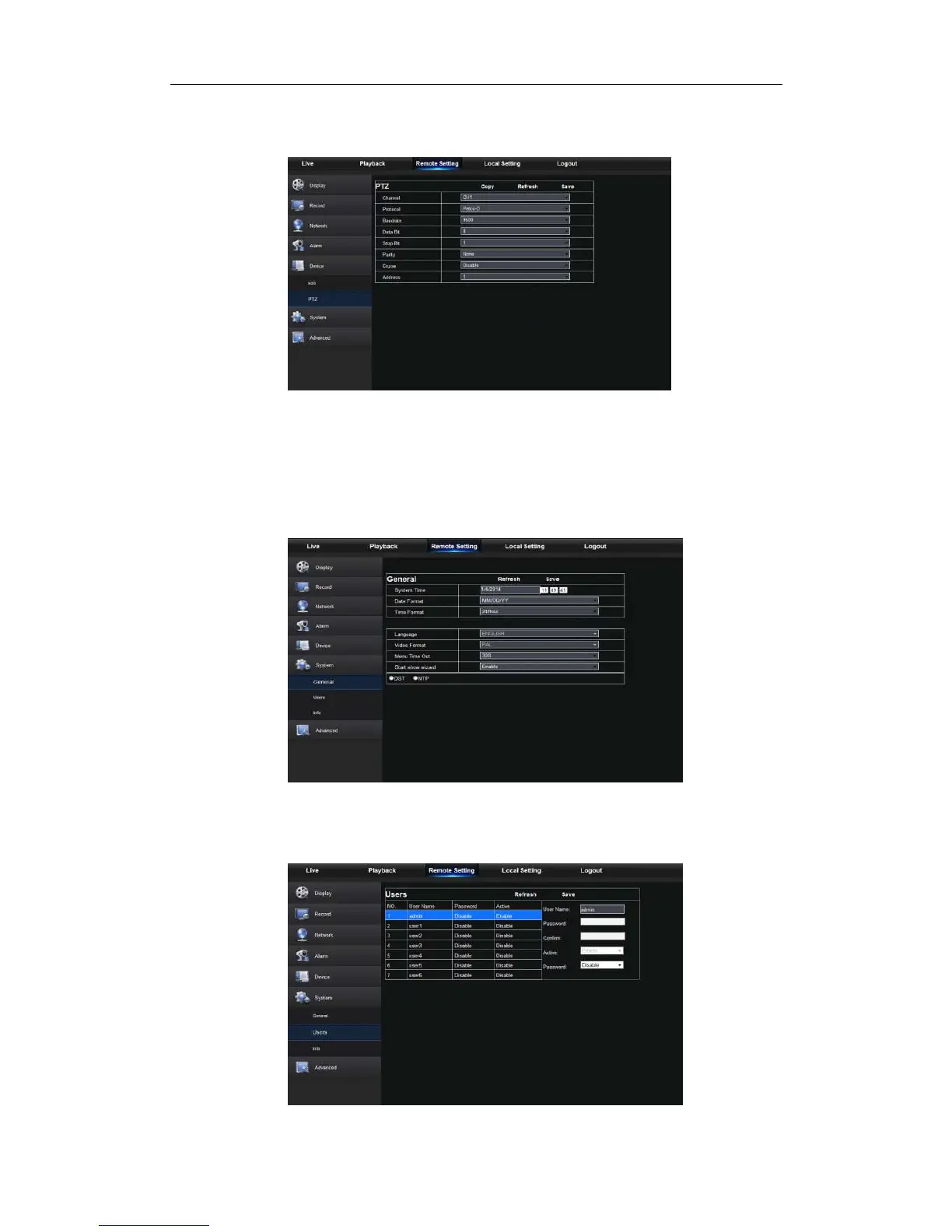
2. PTZ
User may set the relevant parameters of PTZ. Detail setting should be consistent with
NVR local setting. Please refer to Picture 5-24.
Picture 5-24
5.3.3.6 System
Click <System> option to unfold its sub-options: General, Users and information.
1. General
User may check NVR language and video system and set system time, date/time
format, menu display time, DST and NTP parameters shown as Picture 5-25. Detailed
setting should be consistent with NVR local setting.
Picture 5-25
2. Users
User may configure user name and password shown as Picture 5-26. Detailed setting
should be consistent with NVR local setting.
Picture 5-26



 To Next Page