5.3.3.4 Alarm
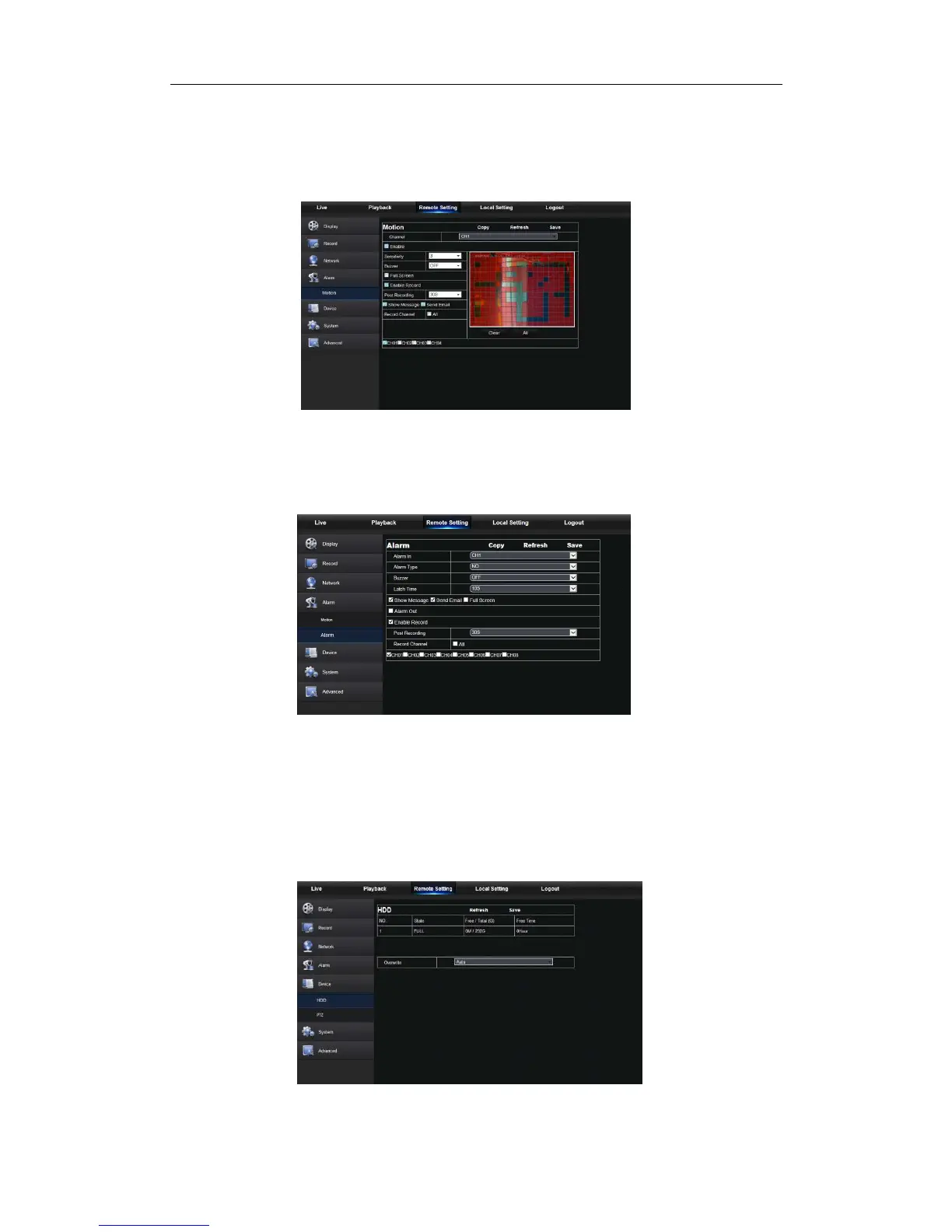
Alarm setting includes Motion Detection and I/O Alarm Parameters.
1. Motion Detection: Configure Sensitivity, Alarm out, Alarm Record and Alarm Capture,
etc. Detailed setting should be consistent with NVR local setting (Shown as Picture 5-21).
Picture 5-21
2. I/O alarm setting (If available): Set parameters for I/O Alarm, Alarm Out, Alarm
Record, Send Email, etc. Detailed setting should be consistent with NVR local setting
(Shown as Picture 5-22).
Picture 5-22
5.3.3.5 Device
Click <Device> to unfold its sub-options: HDD and PTZ
1. HDD
User may check HDD status of NVR and overwritten time. Detail setting should be
consistent with NVR local setting. Please refer to Picture 5-23.
Picture 5-23



 To Next Page