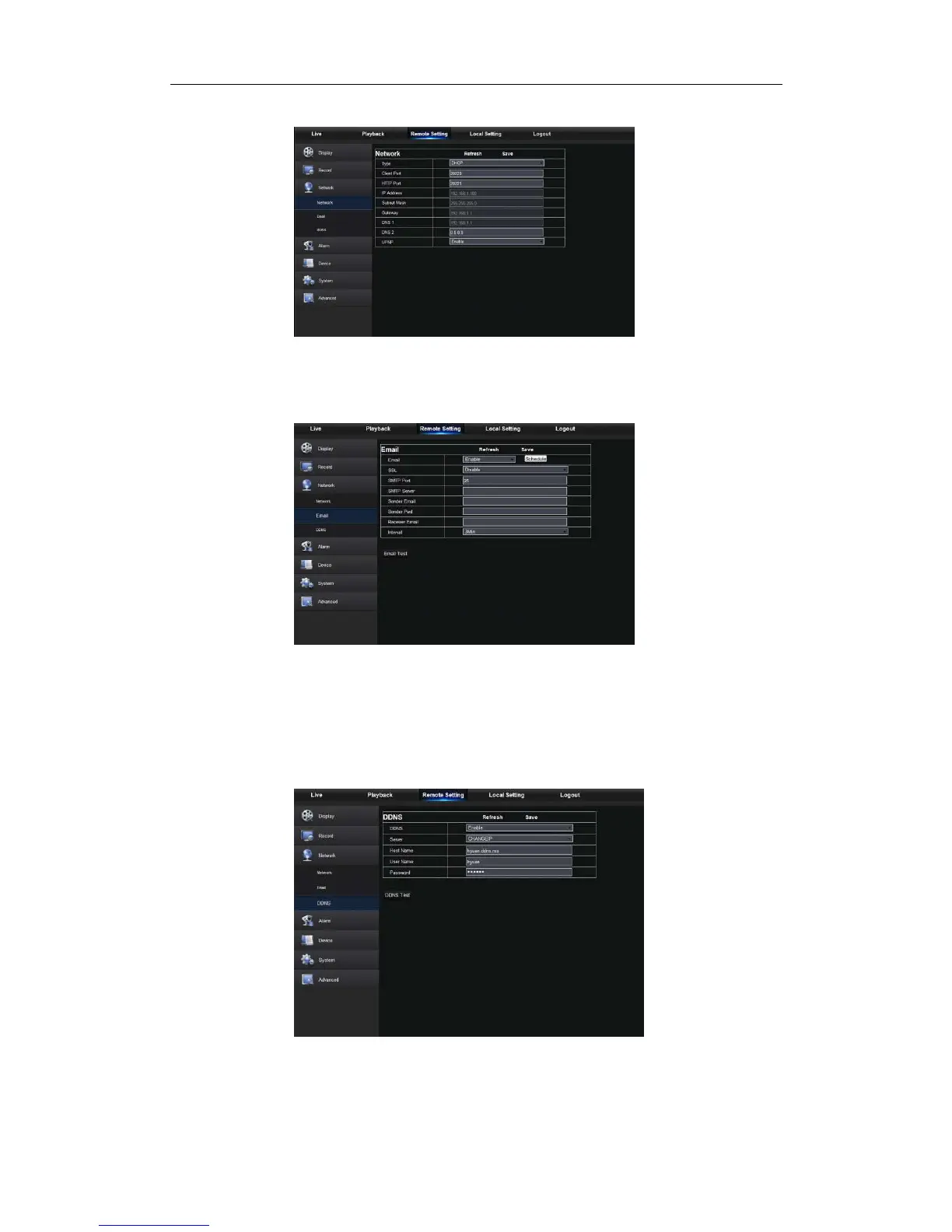
modified successfully, NVR will automatically restart.
2. Email: Set NVR alarm Email configuration parameters, including Email address, SSL,
Email Enable, Interval and Email Schedule, etc. Detailed parameters should be consistent
with NVR local setting. Refer to Picture5-19.
3.DDNS: After user applies for DDNS service, you could enable <DDNS> function under
any one network type mode (Static, DHCP and PPPoE). And you may remotely visit the
NVR through domain name (http://domain name: Web port No.). When visiting NVR by
using DDNS, user should make sure port and current IP can be normally connected in
public network. Details settings, including server address, host, user, and password,
should be consistent with NVR local setting. Please refer to Picture 5-20.
Picture5-19



 To Next Page