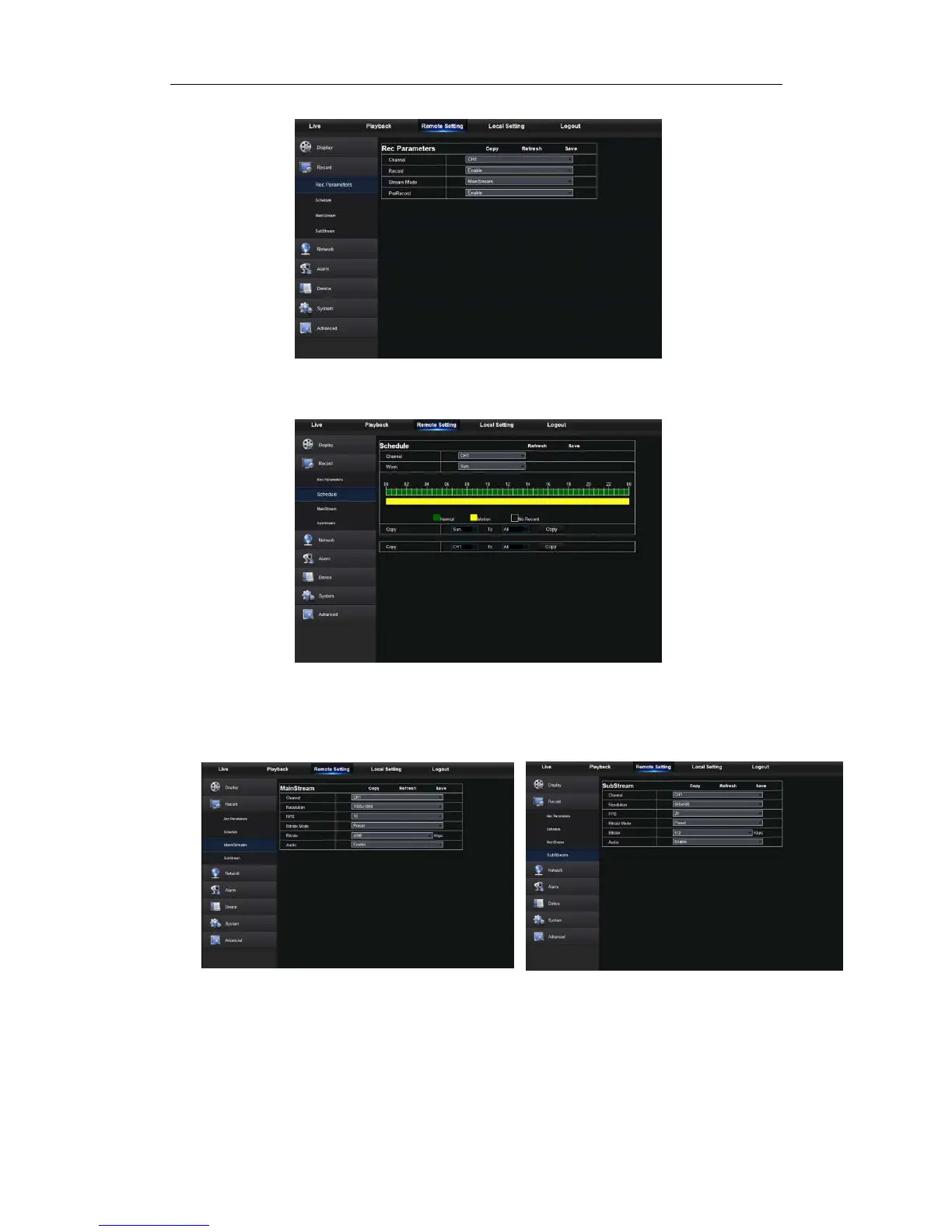
shown in Picture 5-15.
Picture 5-15
2. Record Schedule. The parameters should be consistent with NVR local setting, as
shown in Picture 5-16.
Picture 5-16
Green stands for Normal record; Yellow stands for Motion detection; Red stands for I/O
trigger record.
3. Stream setting. User may set Mainstream and Substream, as shown in Picture 5-17-1
and 5-17-2. The relevant parameters should be consistent with NVR local setting.
Picture 5-17-1 Picture 5-17-2
6.3.3.3 Network
Unfold <Network> to show its sub-options: Network, Email, and DDNS configuration, as
shown in Picture 5-18.
1. LAN setting: NVR supports Static/DHCP/PPPOE modes. System default network type
is <Static>. User can set parameters as required. After the network parameters are



 To Next Page