11.1.9 Platform Access
Some models may not support this function.
This function is mainly used for connecting ECMS/NVMS. The setting steps are as follows.
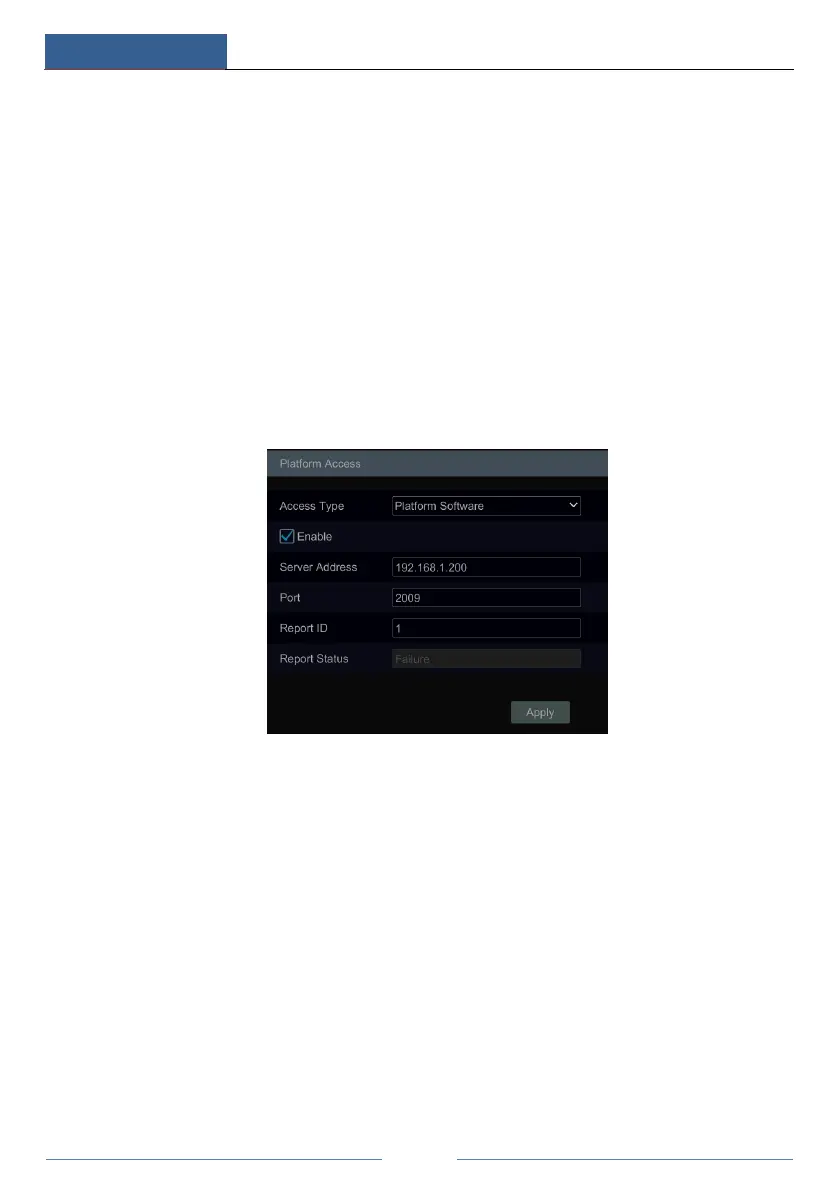
Click StartSettingsNetworkPlatform Access to go to the interface.
Platform Access
① Set “Access Type” as “Platform Software” and select “Enable” as shown below.
② Check the IP address and port of the transfer media server in the ECMS/NVMS. The
default server port for auto report is 2009. If it is modified, please go to the transfer media
interface to check.
③ Enable the auto report in the ECMS when adding a new device. Then self-define device
ID and input the remaining information of the device in the ECMS/NVMS.
④ Input the above-mentioned server address, port and report ID in the server interface. Then
click the “Apply” button to save the settings. Now the ECMS/NVMS system will
automatically connect this device.
11.1.10 SNMP
① Click StartSettingsNetworkSNMP to go to the interface for SNMP configuration.



 To Next Page