11 Device Management
11.1 Network Configuration
11.1.1 TCP/IP Configuration
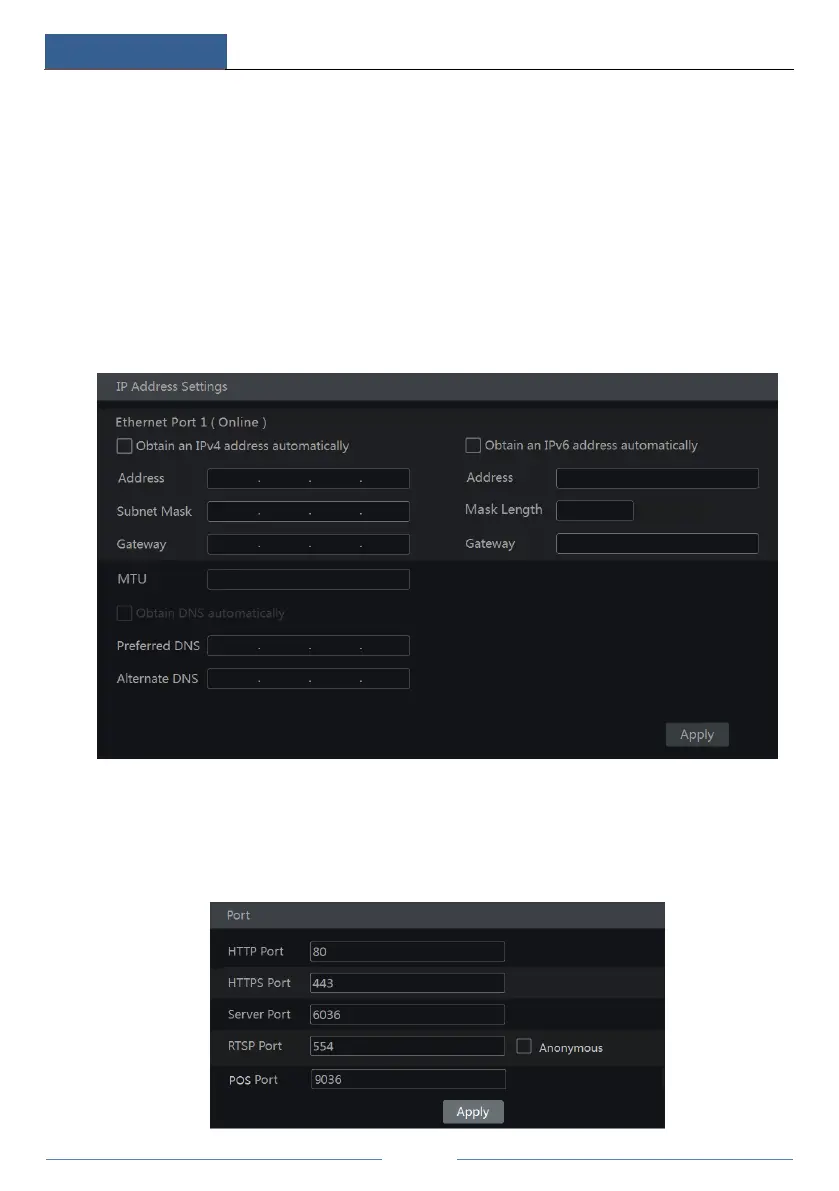
Click StartSettingsNetworkTCP/IP to go to the following interface. Check “Obtain an
IPv4 address automatically”, “Obtain an IPv6 address automatically” and “Obtain DNS
automatically” to get the network addresses automatically, or manually input the network
addresses. You can modify the MTU value according to the network condition (MTU,
Maximum Transmission Unit, can be modified according to network condition for higher
network transmission efficiency). Click “Apply” to save the settings.
11.1.2 Port Configuration
Click StartSettingsNetworkPort to go to the interface as shown below. Input the HTTP
port, HTTPS Port, server port, RTSP and POS port of the DVR, enable “Anonymous” as
required and then click “Apply” to save the settings.



 To Next Page