interface. Set the e-mail address of the recipients. See 11.1.5 E-mail Configuration for details.
9.5.3 Display
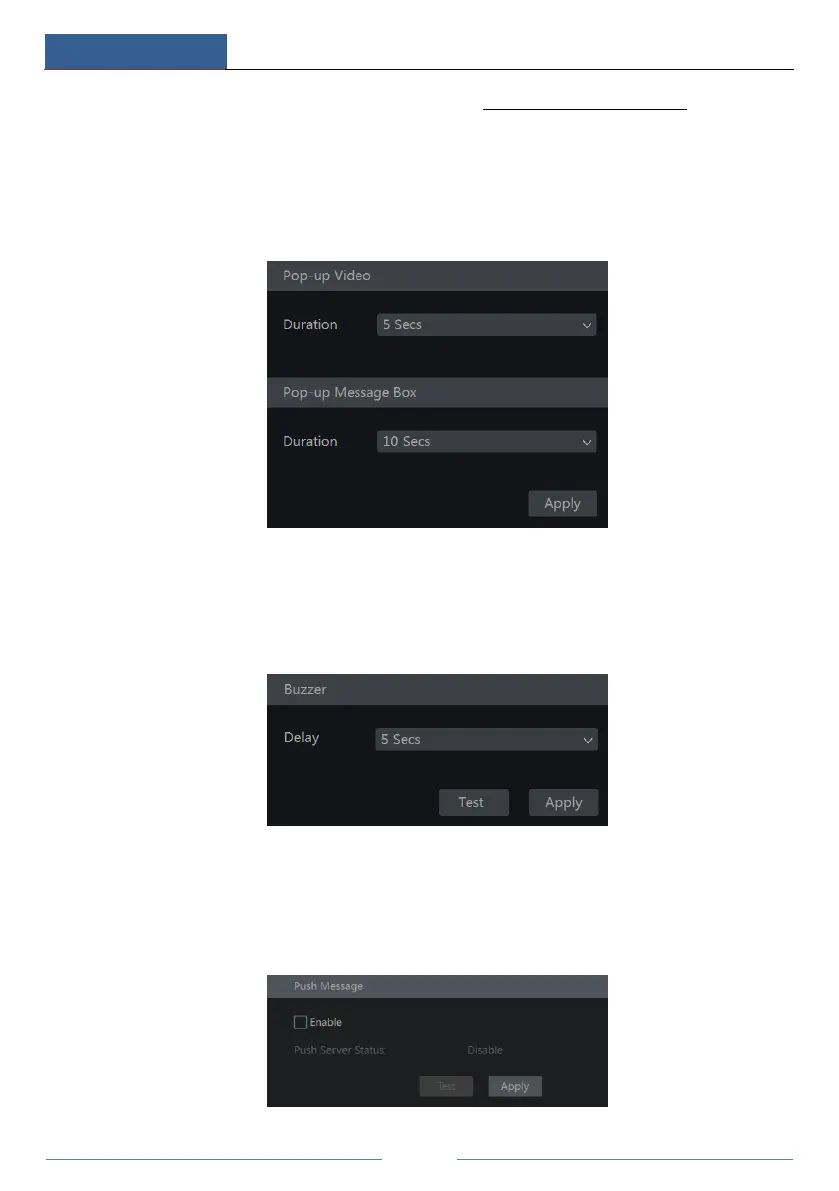
Click StartSettingsAlarmEvent NotificationDisplay to go to the display configuration
interface. Set the duration time of the pop-up video and the pop-up message box. Click
“Apply” to save the settings.
9.5.4 Buzzer
Click StartSettingsAlarmEvent NotificationBuzzer to go to the buzzer configuration
interface. Set the delay time of the buzzer and then click “Apply” to save the setting. You can
click “Test” to test the buzzer.
9.5.5 Push Message
Click StartSettingsAlarmEvent NotificationPush Message to go to the interface as
shown below. Check “Enable” and then click the “Apply” button to save the settings. If Push
Server is online, it will push messages to the mobile clients.



 To Next Page