The system includes two input boxes. Refer to the above pictures. The left box is the number
input box and the right box is the input box which provides inputs of numbers, letters and
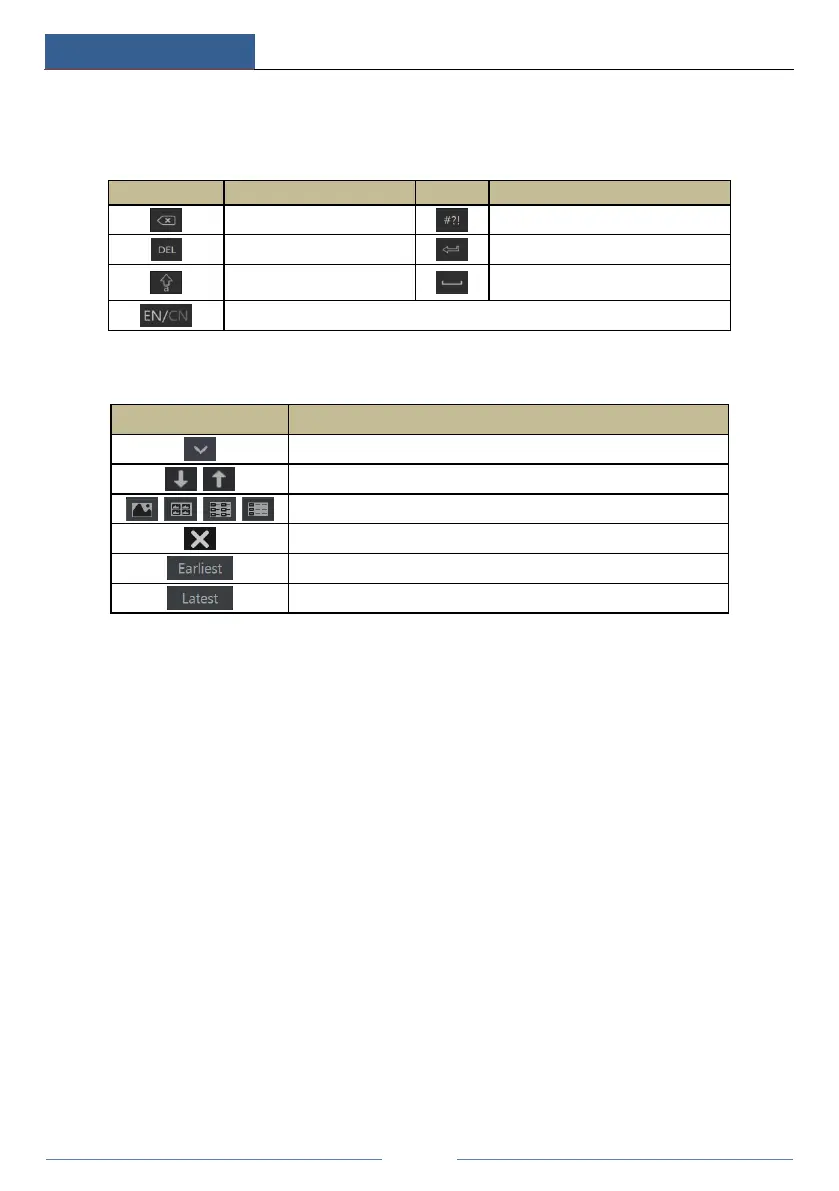
punctuation characters. The introductions of keys on the input boxes are shown below.
Switch key of punctuation character
Switch key between upper
and lower letter
2.5 Common Button Operation
Click it to show the menu list.
Click it to change the sequence of the list.
Click it to change the camera displaying mode.
Click it to close the current interface.
Click it to go to the earliest date of camera recording.
Click it to go to the latest date of camera recording.



 To Next Page