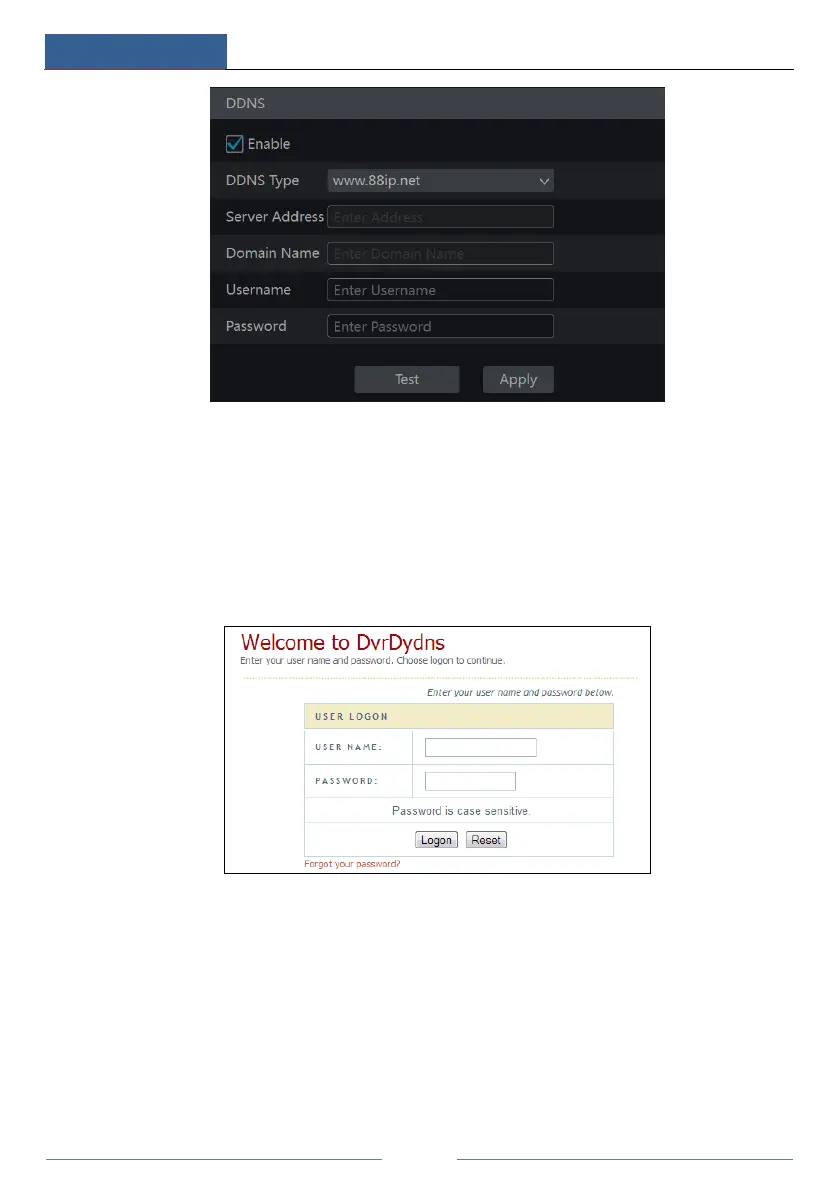
Check “Enable” and then select the DDNS type. Input the server address, domain name,
username and password according to the selected DDNS type. Click “Test” to test
the effectiveness of the input information. Click “Apply” to save the settings.
You will have to input the server address and domain name if some DDNS types are selected.
Go to the relative DNS website to register domain name and then input the registered domain
information here). Now we take www.dvrdydns.com for example.
① Input www.dvrdydns.com in the address bar of a web browser to visit its DNS website.
② Click Registration to go to the interface as shown below. Set the DDNS account
information (username, password and so on) and then click Submit to save the account.



 To Next Page