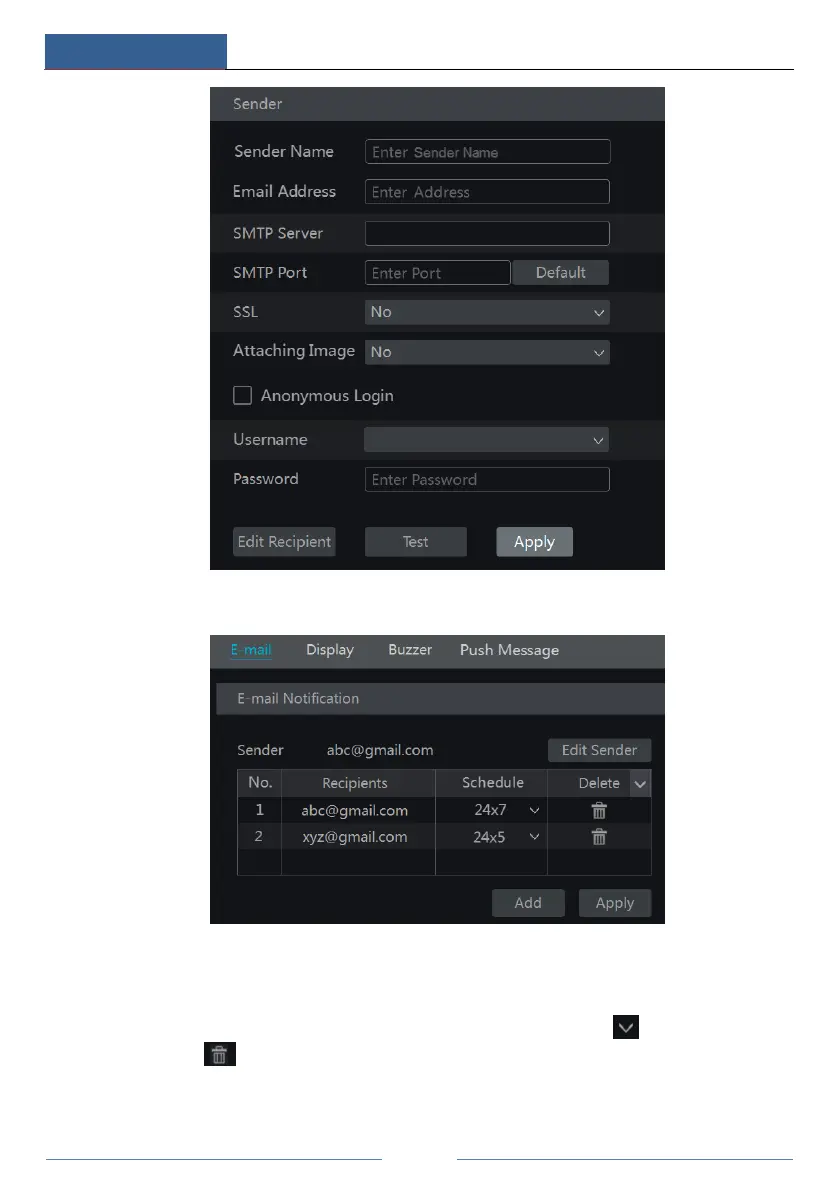
Click “Edit Recipient” to go to the following interface.
Click “Add” and then input the recipient’s e-mail address and select the schedule (if a schedule
is selected, the system will send the alarm email and the recipient will receive it only in the
selected schedule time) in the popup window. Click “Add” in the window to add the recipient.
You can also change the recipient’s receiving schedule by clicking in the “Schedule”
column. Click to delete the recipient in the list. Click “Apply” to save the settings. Click
“Edit Sender” to go to the e-mail configuration interface of the sender.



 To Next Page