TECNA WELD TESTER TE1700
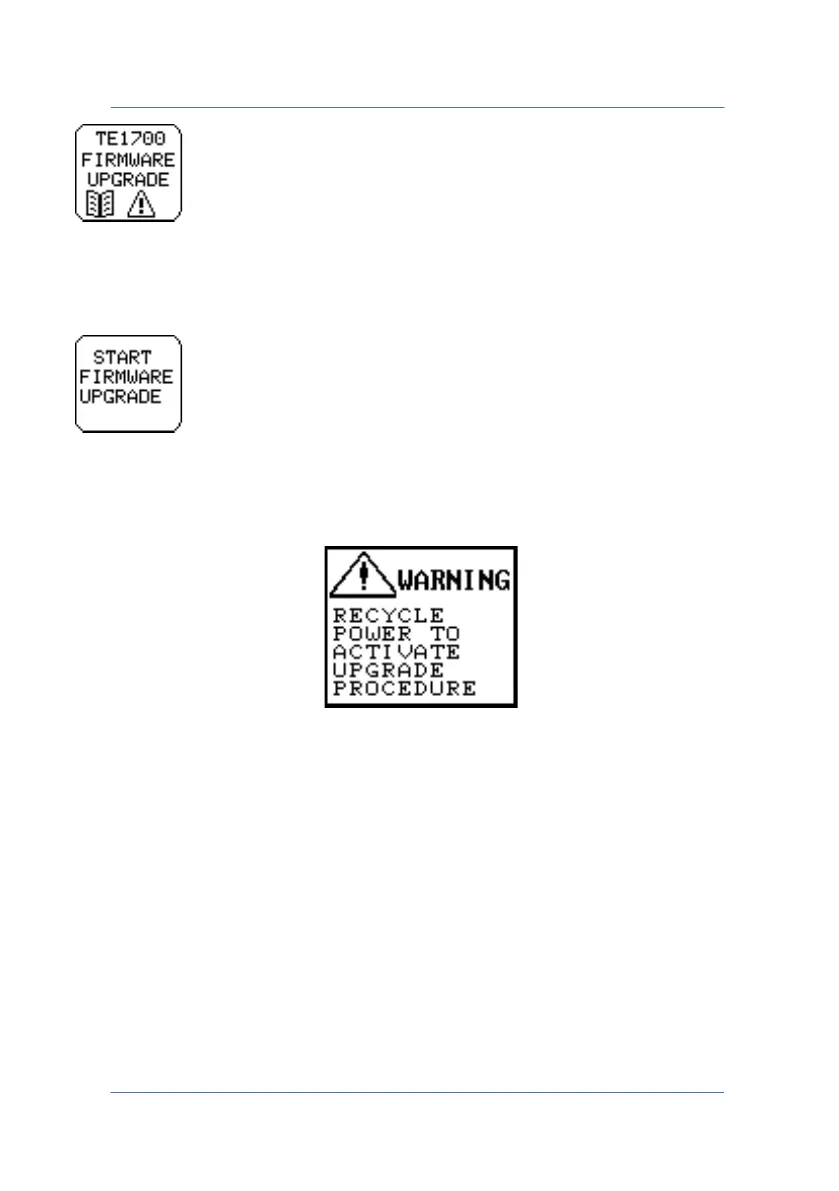
Allows you to access the firmware upgrade screen, which has the
following key in the foreground.
Pressing this key sets the instrument to firmware upgrade mode and
the following message appears.
If pressed by accident, simply switch off the instrument, switch it back
on again (nothing shows on the display), switch off and switch back on
again.
Once the firmware upgrade is started, the pairing with a compatible
Bluetooth device (PC, Android) is deleted. Simply pair the Bluetooth
device to the TE1700 again.
PAGE 45



 To Next Page