S.p.A. ITEM TE550 Instruction manual
2.14 - THICKNESS SENSOR
-TE550 VER. 3.31--
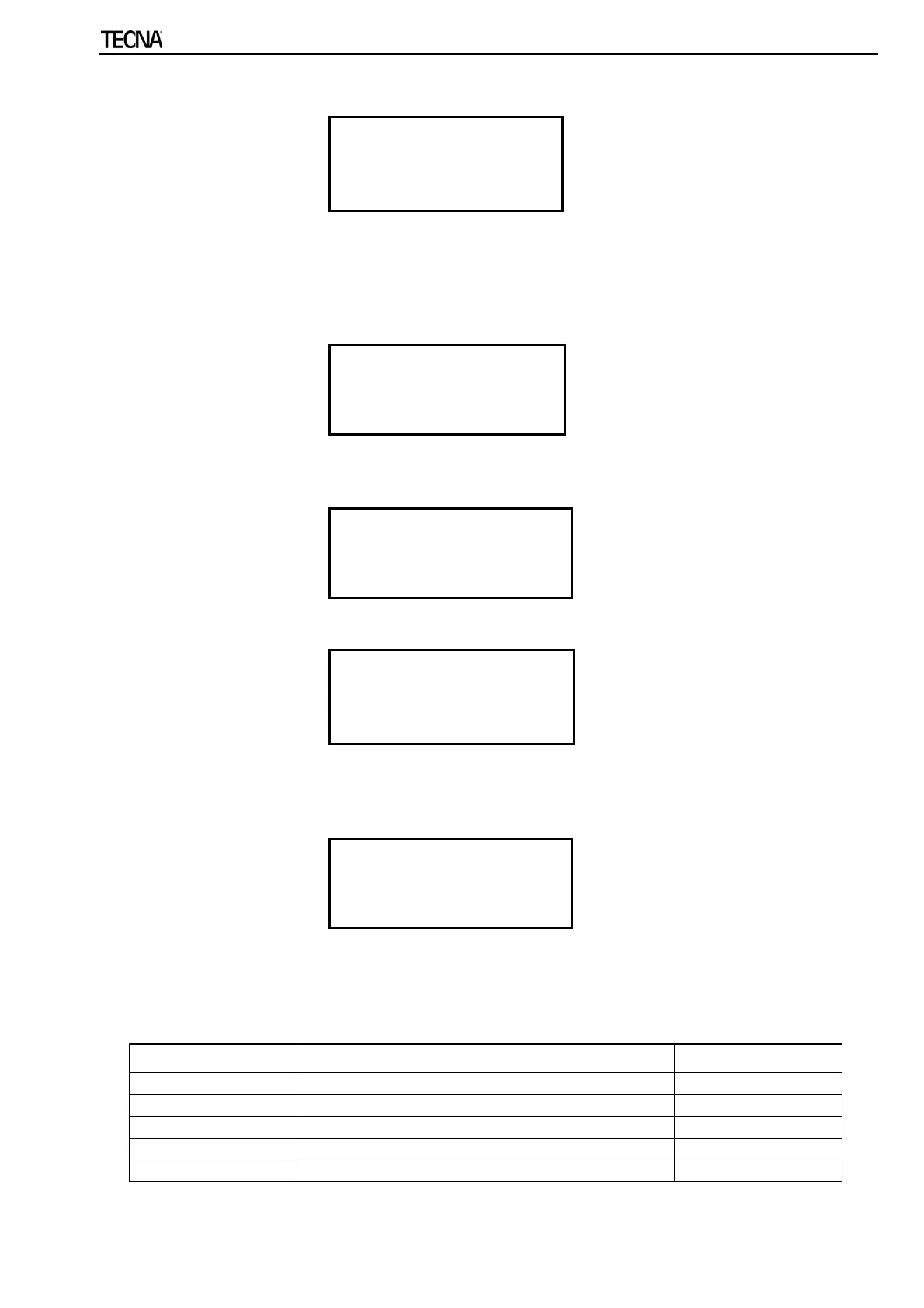
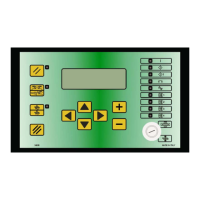
CHECK INPUT
PROG. SEQUENCE
>THICKNESS SENSOR
In order to view and access this menu, the user must commutate parameter THICKNESS
SENSOR to ON inside the FEATURES MENU.
The THICKNESS SENSOR menu contains the parameters for configuring the linear position
sensor. Due to their importance, their access in protected by a code.
ACCESS CODE
TO ENTER MENU
- - - - -
If the user is not authorized to enter this menu and does not know the access code, the
following message is displayed:
WRONG CODE
TRY AGAIN!
Sensor parameters may be changed after having keyed in the correct access code.
THICKNESS SENSOR
>LINEAR SENSOR OFF
SENSOR S/N_P1: 0000
SENSOR S/N_P2: 0000
If the position sensors are activated, the position sensors initialize each time the control unit is
switched on. If an initialization error occurs, it is displayed on the control unit through the
following message:
CAN LINE
NOT INITIALIZABLE
and the sensors disable automatically.
Therefore, solve the initialization problem, re-enter the THICKNESS SENSOR menu and
manually re-enable the position sensors.
PARAMETER PARAMETER DESCRIPTION VALUE RANGE
LINEAR SENSOR Linear sensors activation – deactivation ON – OFF
SENSOR S/N_P1: Part 1 sensor serial no. 1 XXXX
SENSOR S/N_P2: Part 2 sensor serial no. 1 XXXX
SENSOR ID CAN: CAN ID for sensor 1 100 – 119
DELAY IDENT. Delay for measuring the indentation 0 – 1000 mS
57/92


 To Next Page