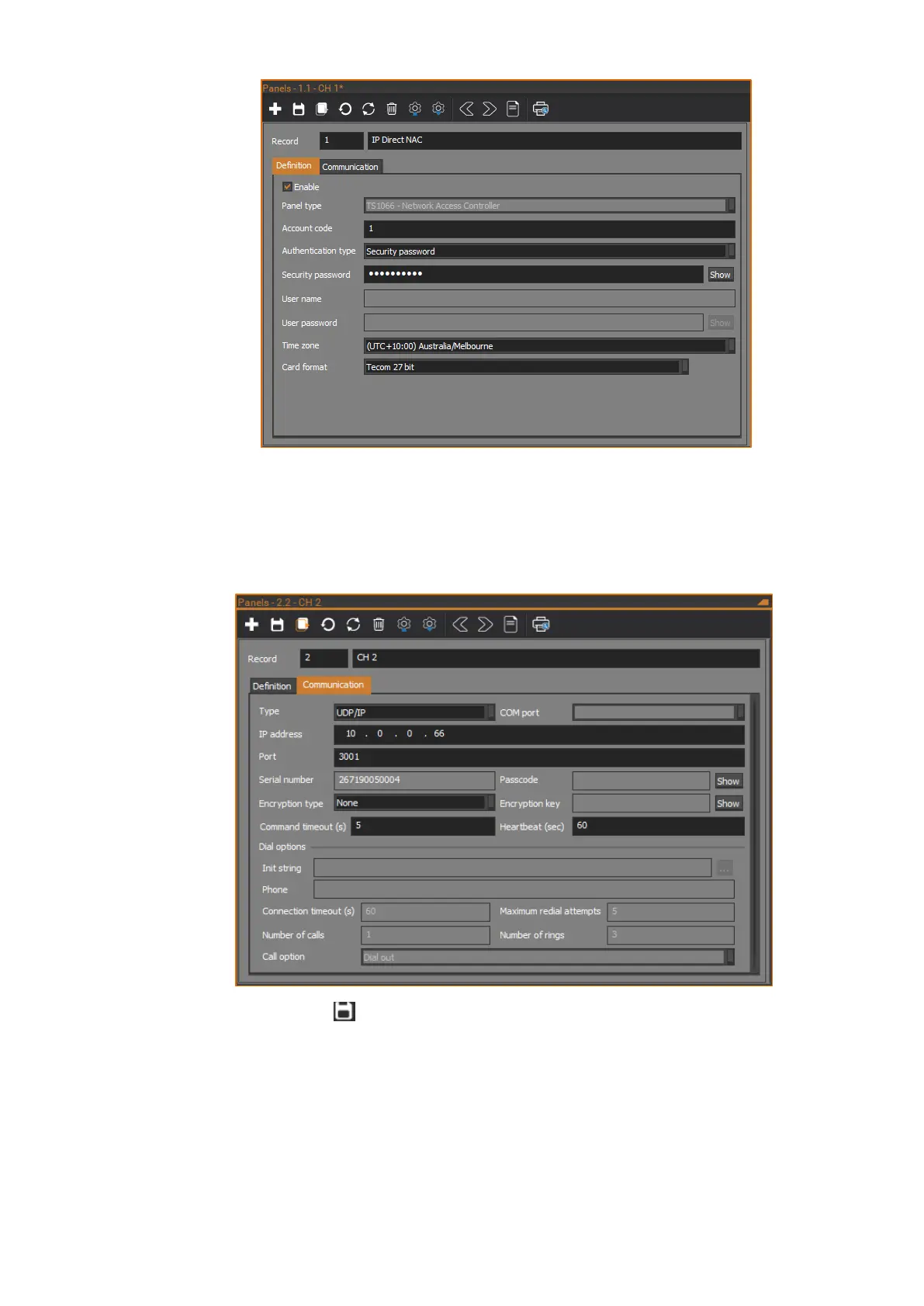
5. On the Communication tab, configure the Ethernet communications
settings as required. Set the Type to UDP/IP. Set the IP address to the IP
address configured for the NAC’s onboard communications device. Set
the Port to the Send port/Receive port configured for the
communications path. Configure encryption if required.
6. Click the Save button in the toolbar to save the NAC panel record.
7. CTPlus will connect to the NAC via Ethernet instead of USB. The USB
cable can now be removed.



 To Next Page