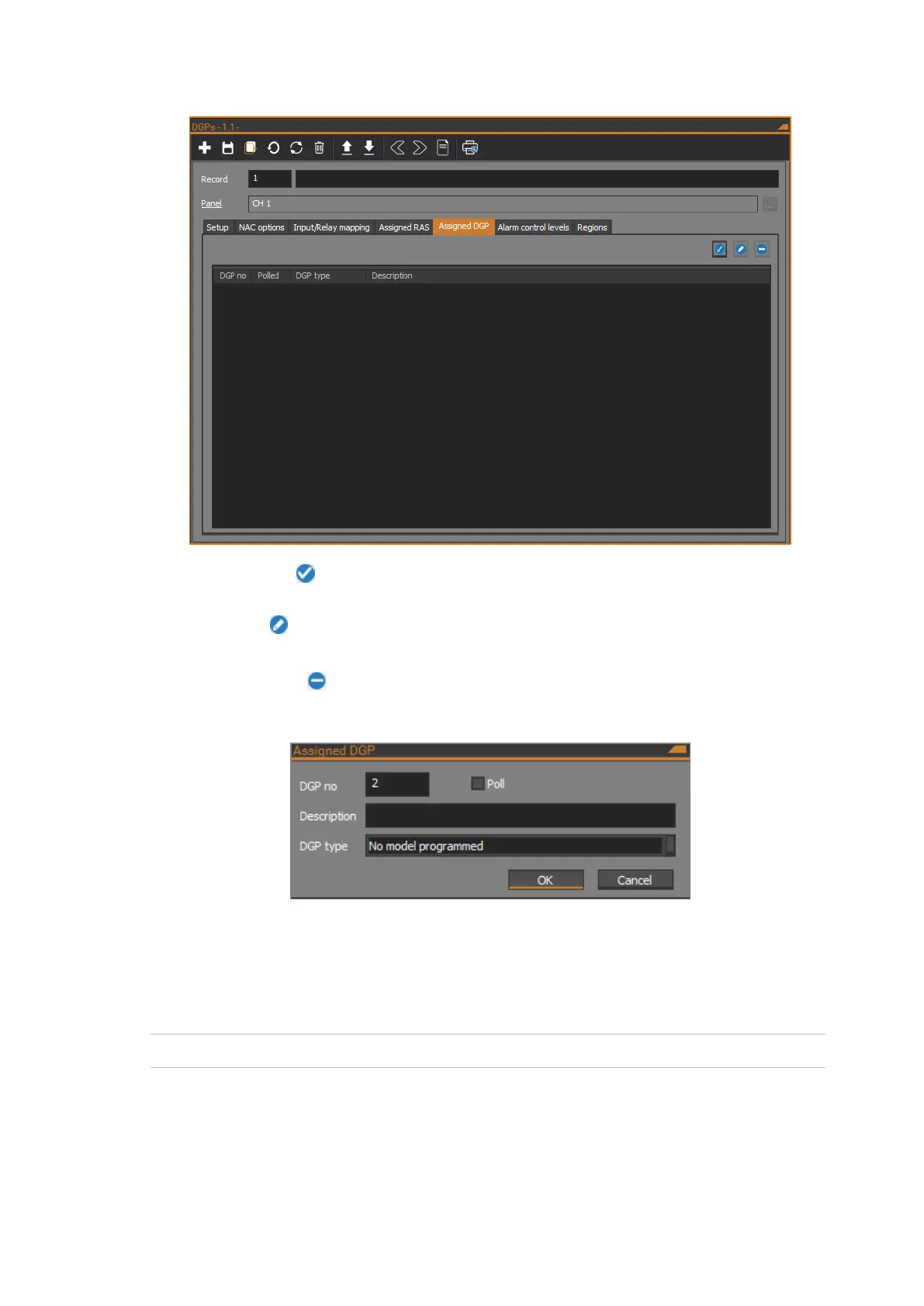
The Assigned DGP tab shows a list of assigned DGPs.
Click the Assign button to open the Assigned DGP dialog to assign a DGP to
the NAC.
Click the Edit button to open the Assigned DGP dialog to edit the settings of
the selected assigned DGP in the DGP list.
Click the Remove button to remove the selected DGP from the DGP list.
The following figure shows the Assigned DGP dialog:
DGP no
Enter the DGP number from 1 to 15, or 17 to 32. DGP numbers from 1 to 15 are
defined to be on Bus 1, and DGP numbers from 17 to 32 are defined to be on
Bus 2.
Note: DGP number 16 is the NAC itself.
Poll
Tick the check box to poll the DGP.



 To Next Page