Description
Enter an optional description for the DGP.
DGP type
Select the type of DGP:
TS0820 - Challenger V8 DGP
TS1020 - Challenger10 DGP
TS1061 - Dual Wiegand interface
Default setting. Choose the model if it is in the list above provided
otherwise the system cant auto detect.
Alarm Control Levels
Note: Alarm control does not apply to the NAC in IP Direct mode.
If the NAC is connected to a ChallengerPlus panel, it can support alarm control
functionality, such as arming areas via badging a card. Alarm control functionality
can be configured separately for IN and OUT readers.
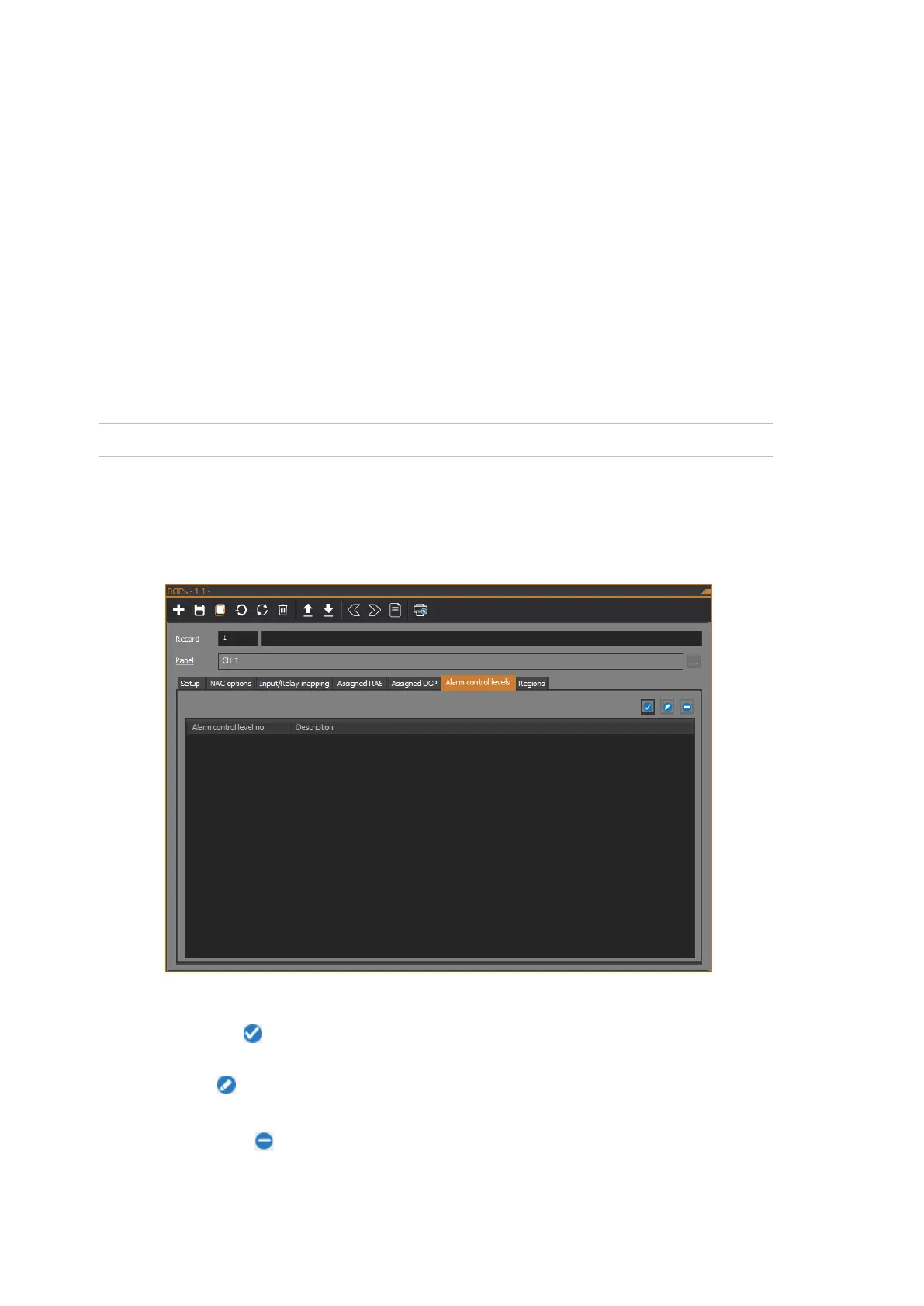
The following figure shows the Alarm control levels tab of the DGPs form:
The Alarm control levels tab shows a list of alarm control levels.
Click the Assign button to open the DGP alarm control level dialog to set an
alarm control level.
Click the Edit button to open the DGP alarm control level dialog to edit the
settings of the selected alarm control level in the list.
Click the Remove button to remove the selected alarm control level from the
list.



 To Next Page