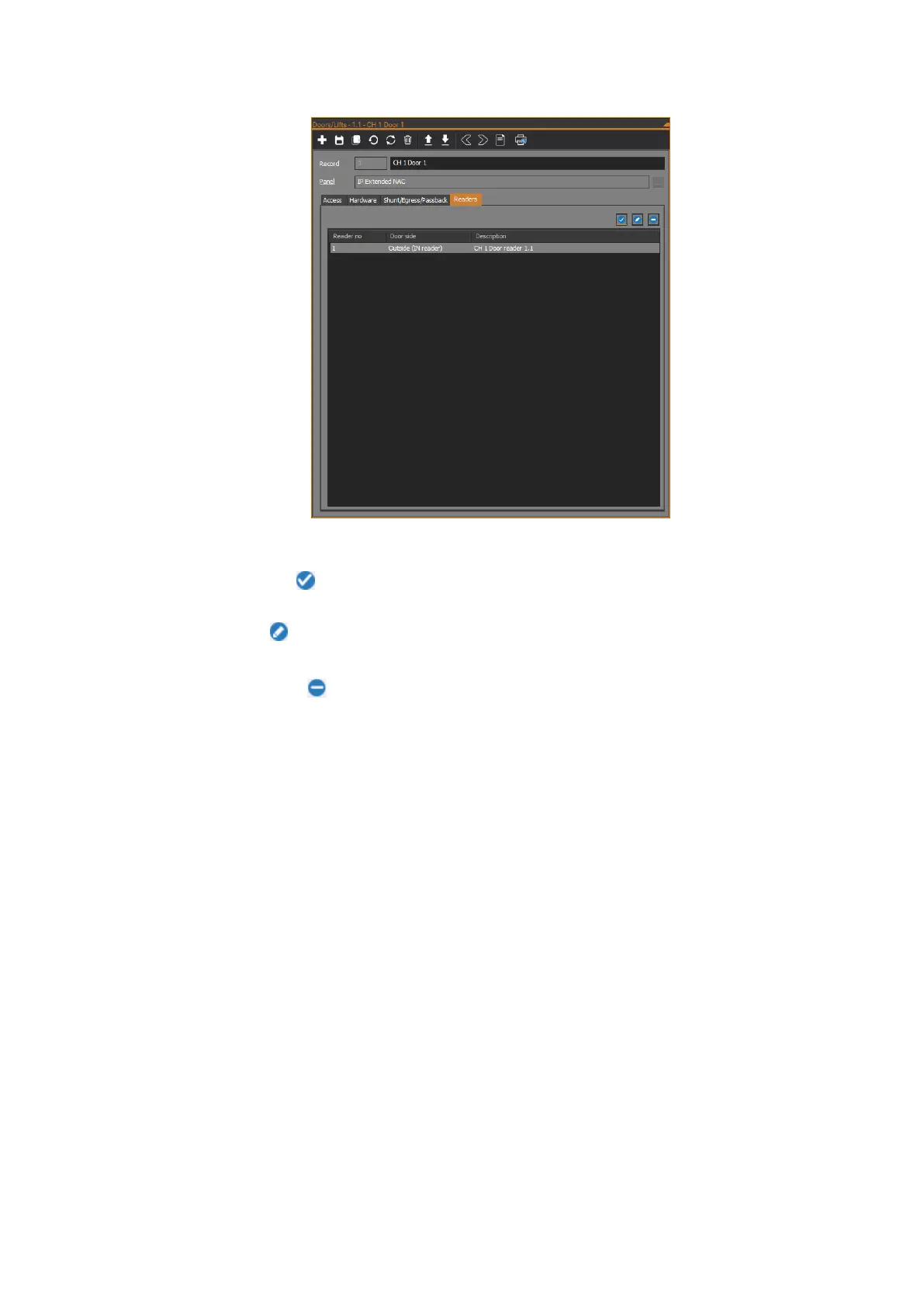
The following figure shows the Readers tab of the Doors/Lifts form:
The Readers tab shows a list of assigned readers for the door.
Click the Assign button to open the Door reader dialog to assign a reader to
the door.
Click the Edit button to open the Door reader dialog to edit the settings of the
selected assigned reader in the reader list.
Click the Remove button to remove the selected reader from the reader list.
The Door reader dialog has two tabs: Setup and LED mapping, described in the
following sections.



 To Next Page