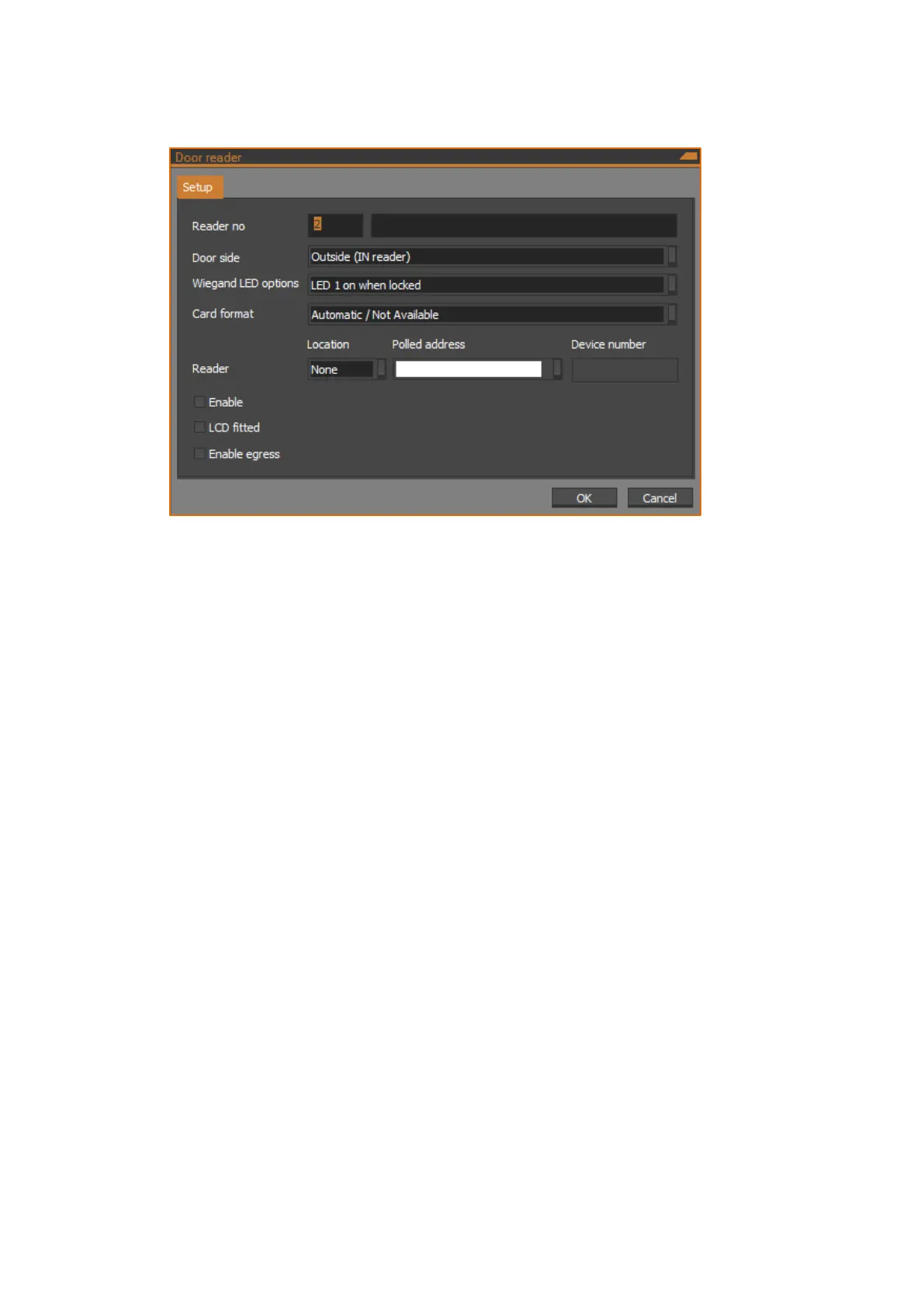
Door reader dialog – Setup tab
The following figure shows the Setup tab of the Door reader dialog:
Reader no
Specify a reader number from 1 to 6. Enter an optional description next to the
reader number.
Door side
Select the door side, which may be one of the following:
Outside (IN reader) – IN reader placed on the outside of the door.
Inside (OUT reader) – OUT reader placed on the inside of the door.
Wiegand option
Select the reader LED behaviour from the following options:
LED 1 on when locked – LED 1 is on when the door is locked.
LED 1 on when unlocked – LED 1 is on when the door is unlocked.
LED 1 on when area is armed – LED 1 indicates if the area assigned to
the door is armed (if more than one area is assigned, all areas assigned to
the door must be armed before LED changes state).
LED 1 off when area is armed – LED 1 indicates if the area assigned to
the door is disarmed (if more than one area is assigned, all areas
assigned to the door must be disarmed before LED changes state.)
Two LED access/secure – Readers with dual LED control lines connected
indicate the area disarmed and armed with different LED colours.
Two LED valid/void – Readers with dual LED control lines connected
indicate User Valid or Void using different LED colours.
LEDs disabled – No LED control.



 To Next Page