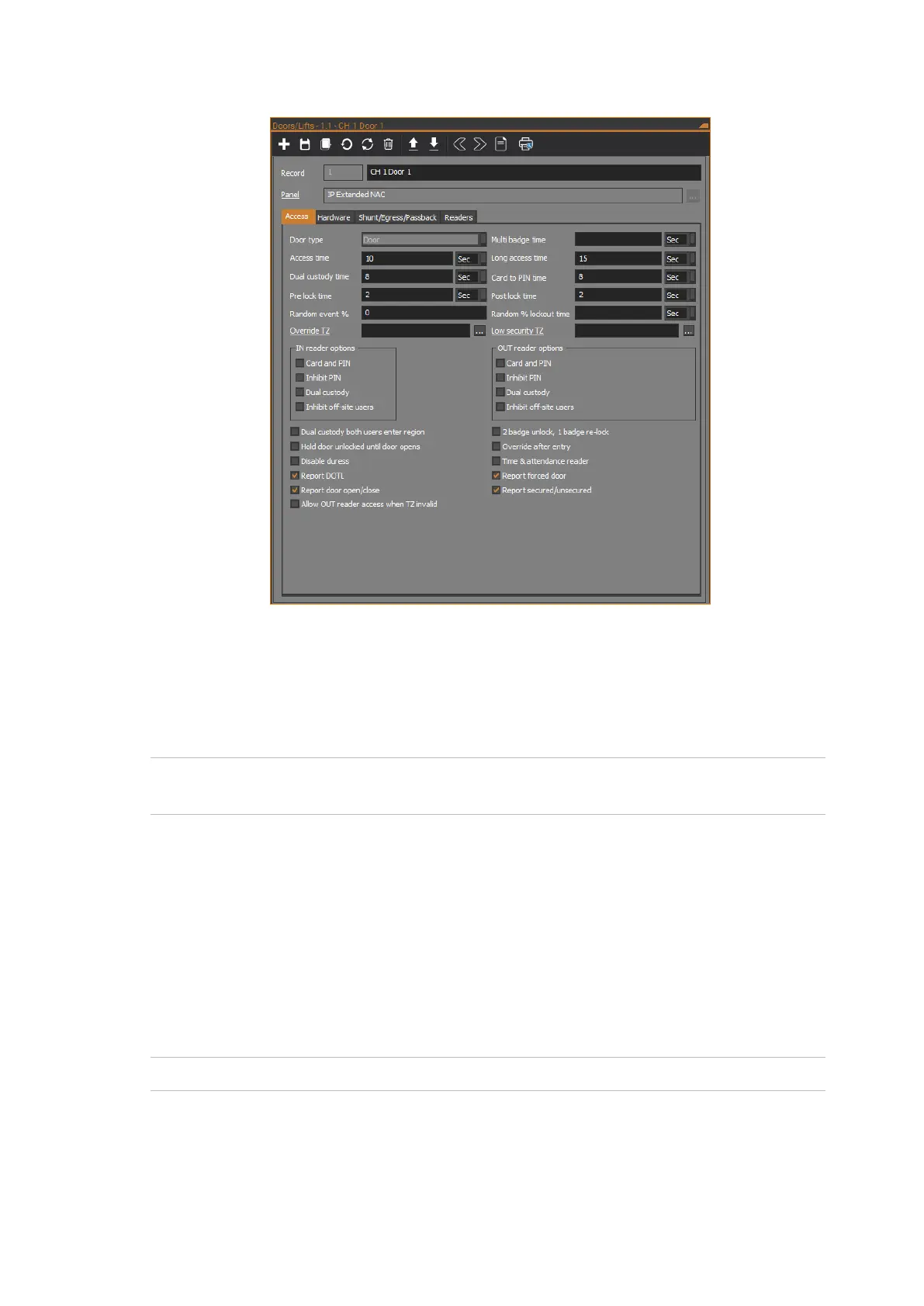
The following figure shows the Access tab of the Doors/Lifts form:
Door type
The Door type field is for future use. Currently, the door type is set as Door and
cannot be changed.
Multi badge time
Note: Multi badge time can be set per door on the NAC (it was set via the Mode
time field for V8 Four-Door Controllers).
If two badge unlock is enabled for the door, then this field defines the amount of
time permitted between the first and second badges. If the time expires, then the
user will need to repeat the three badges in order to arm or disarm the area. See
the “2 badge unlock, 1 badge re-lock” section on page 71.
Additionally, if a reader’s alarm control options specify three-badge alarm control
for users who are authorised to arm and disarm areas, this field defines the
amount of time permitted between the first and third badges. If the time expires,
then the user will need to repeat the three badges in order to arm or disarm the
area.
Note: Three-badge alarm control does not apply to the NAC in IP Direct mode.
Enter a number and specify Sec for seconds or Min for minutes.



 To Next Page