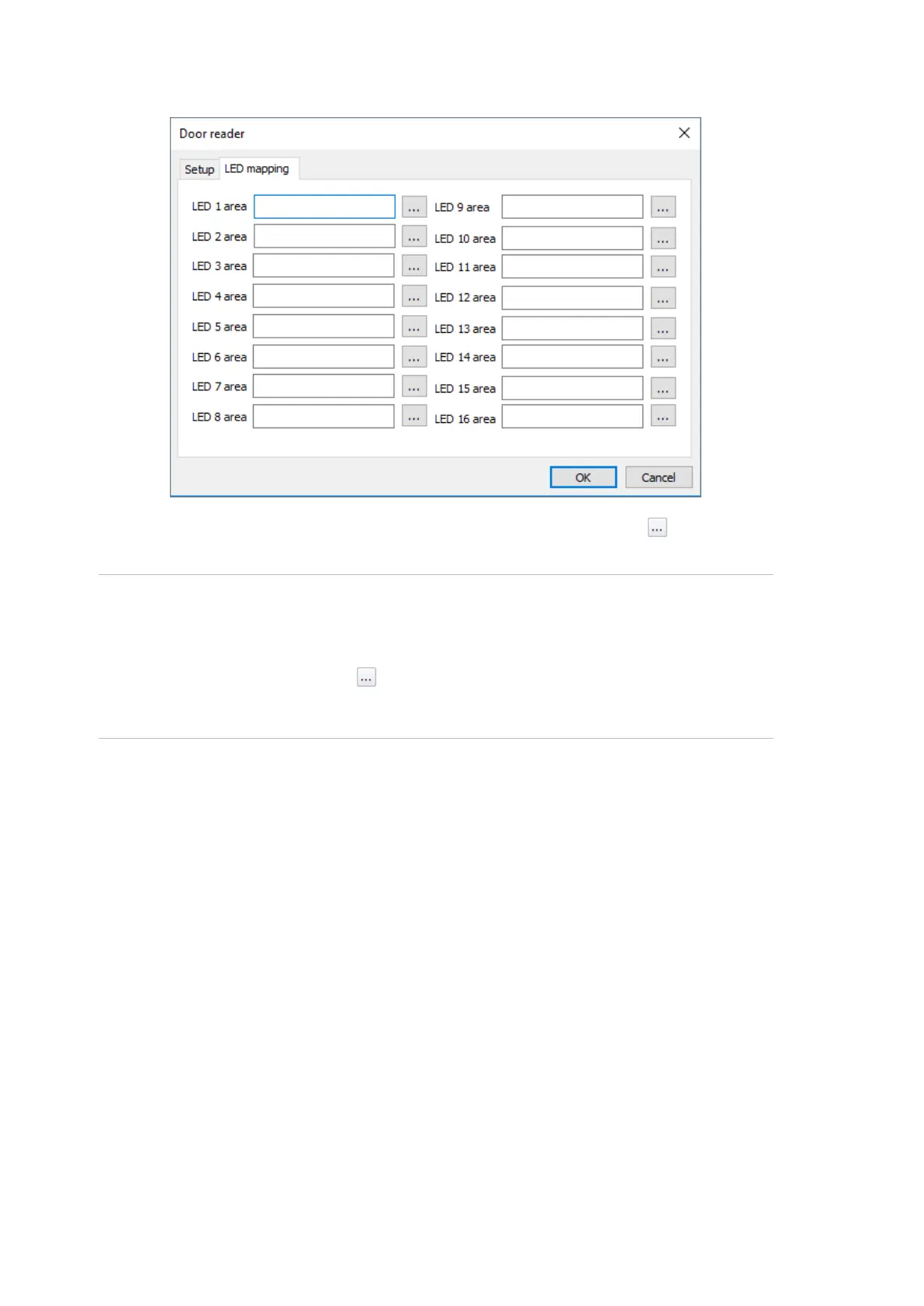
The following figure shows the LED mapping tab of the Door reader dialog:
In each LED area field, enter an area number or click the Browse button next
to the field to select an area.
Note: In IP Extended mode, the NAC is programmed via the USB/IP connection.
Thus CTPlus does not have information about which areas are programmed on
the ChallengerPlus panel that the NAC is connected to.
Instead of clicking the Browse button to select an area, enter an area number.
You must match the area number to assign to an LED with the required area
number on the ChallengerPlus panel.
Programming access options
Access options for a door are configured on the Access tab of the Doors/Lifts
form.



 To Next Page