23
844E Sprayer Crontrol
98-70006 R3
Nozzle Spacing
Default = 20 (inches in US, trF, and INP Modes)
Default = 50 (centimeters in Si Mode)
Default = 30 (inches in nh3 Mode)
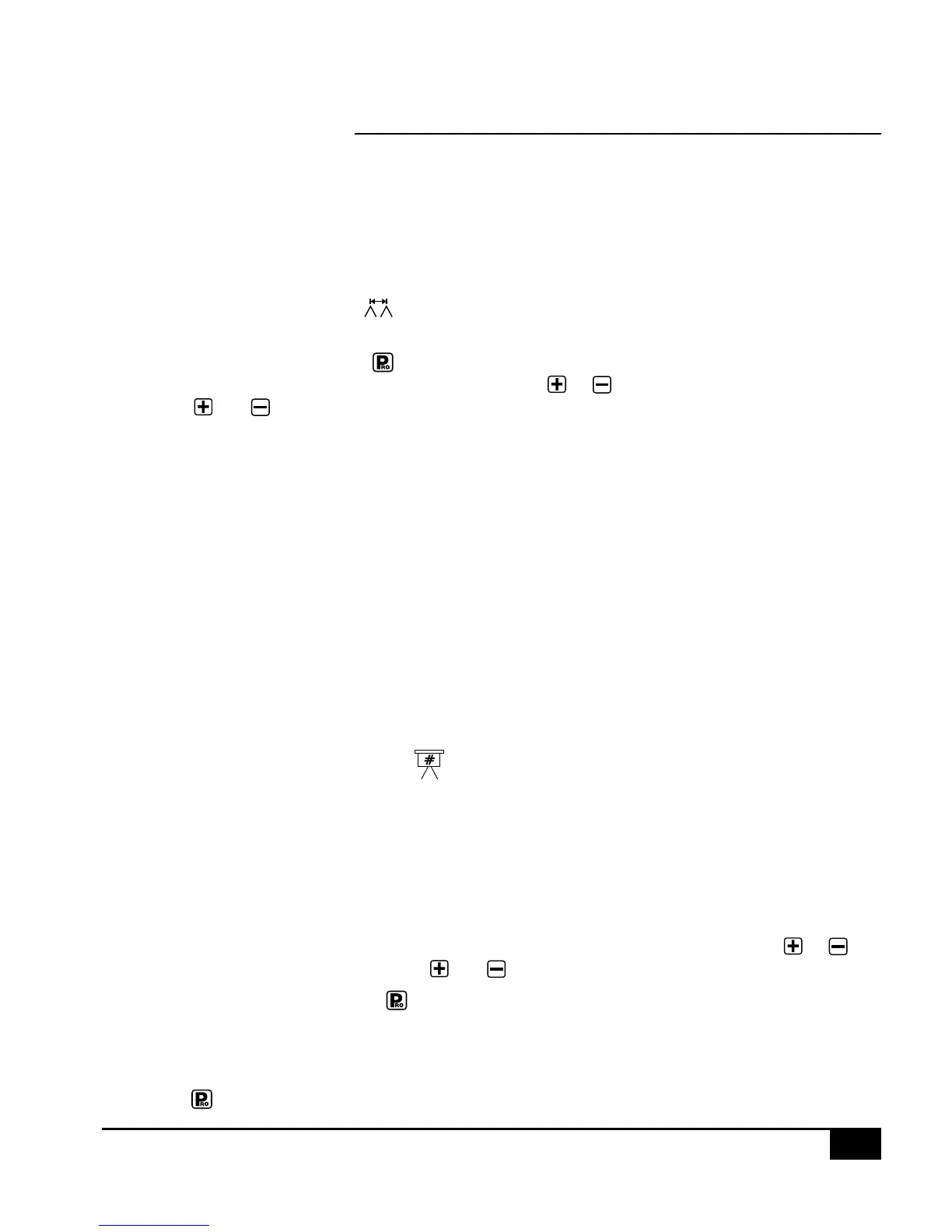
While in the Nozzle Spacing step, the symbol will be fl ashing at the top of the console display. Nozzle
spacing should be recorded in inches (cm in SI mode).
If the default value is correct, press the key to accept the value. If the nozzle spacing is different than that
shown as a default, then add or reduce this number by using the or keys to record the new value.
Pressing the and keys simultaneously will clear the value to zero.
When the correct value has been entered, press the key to accept the value and advance to the next step.
When broadcast or broad acre spraying, enter the nozzle spacing in the display.
If banding, enter the band width as your spacing. If directed spraying, enter the row spacing divided by the
number of nozzles per row as your spacing.
NOTE: All Application rate readings (US GPA, G/1000 ft
2
, #N/acre, Imp. GPA, and l/ha) and area readings are
expressed in treated acres (hectares).
Tips Per Boom Section
Number of Spray Tips Per Boom Section
Default = 6 (tips per section in US, trF, I
N
P and Si modes)
Default = 12 (tips per section 1, 0 for the others in nh3 mode)
While in the Tips Per Boom Section step, the symbol will be fl ashing at the top of the console display. The
console will also display “SEC 1” at the left and a number (6) at the right of the display. The “SEC 1” refers to
boom section #1 on your console. The number at the right is to be adjusted to match the number of tips you have
on boom switch 1.
The default value of “6” will appear for all booms sections. The next fi ve programming steps are Number of Spray
Tips Per Boom Section steps. These steps correspond with the fi ve boom switches on the lower portion of the
console. The section you are programming can be identifi ed by looking at the SEC # at the left of the display.
You must program the correct number of spray tips for each boom section on your sprayer. Use the or
keys to produce the correct value. Pressing the and keys simultaneously will clear the value to zero.
Advance to the next step by pressing the key. This must be done for all Number of Spray Tips Per Boom
Section steps.
Any individual boom switches not being used must be programmed to a “0” value. When you have programmed
and validated the last Number of Spray Tips Per Boom Section step, advance to the next program step by
pressing the
key.


 To Next Page