41
844E Sprayer Crontrol
98-70006 R3
Printing
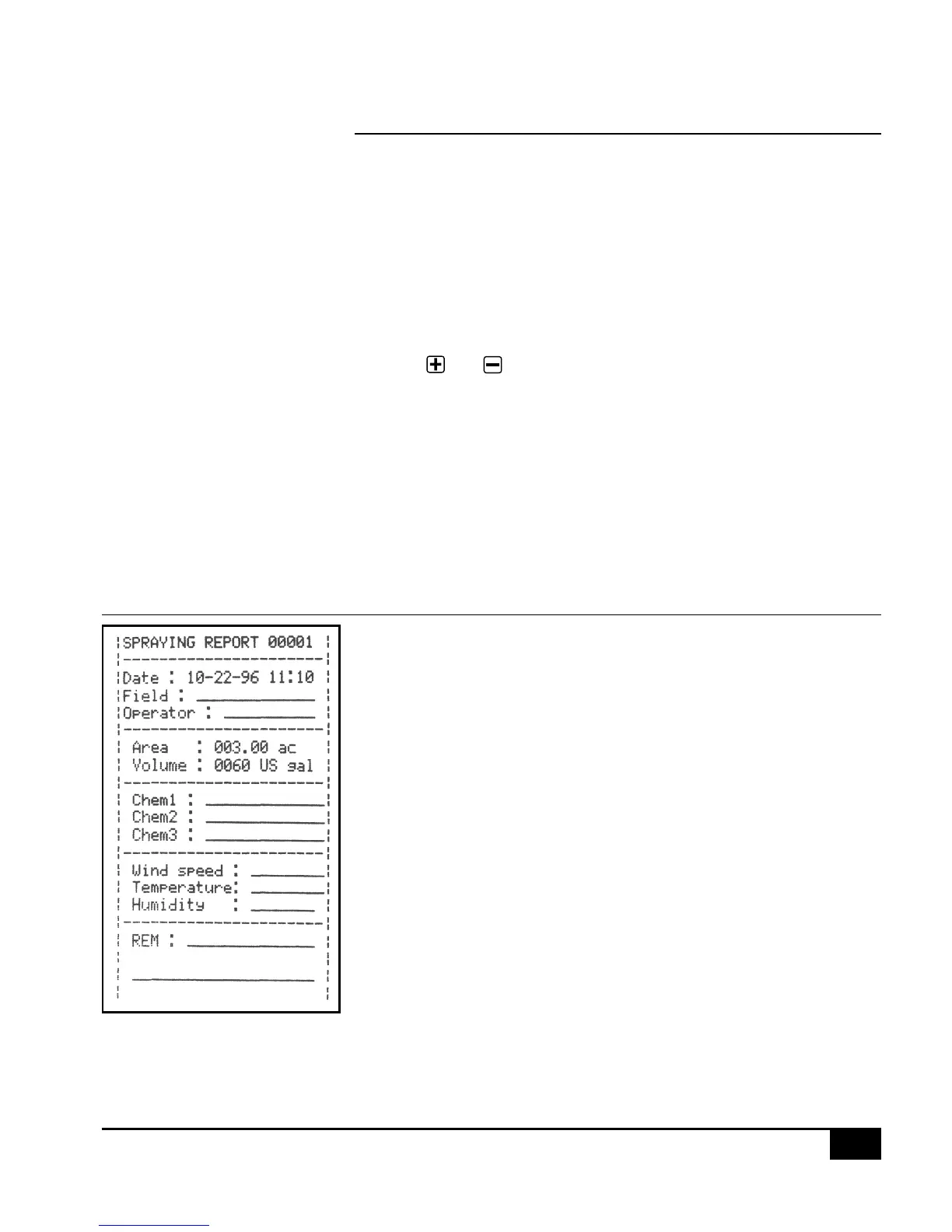
Optional printers are available for printing a spraying report directly from the 844. The optional printers are
available through your TeeJet supplier. The printout that you get from the 844 contains memory information that
the 844 collects. A sample of this printout is below.
To set the 844 for printing, advance to the last step of the System Setup mode and select “Prt” for the
communications mode. This must only be done once.
Next, connect the printer to the 844 and make sure that the LED’s to the printer are lit indicating that the printer
has power. Simultaneously, press and hold the and keys for three seconds or until the printer begins
printing. When the printer is fi nished, the area and volume counters in the lower right of the display will be reset to
zero.
Disconnect the printer and continue spraying activity if necessary.
WARNING: Each time you print, the area and volume counters are reset to zero. If you do not have the printer
connected and have programmed the 844 for printing capability and you are resetting the area and
volume counters, the 844 console will be locked for a short period of time. The 844 is trying to print
and is dumping the memory information to the printer port. When the 844 has finished dumping the
information, the display will return to normal.
Figure 1-21: Spraying Report


 To Next Page