18
EN
4.3 THERMOSTAT
ADJUSTMENTS
(
AKCC 210
)
4.3.1GENERAL INFORMATION
AND INSTRUCTIONS
Thermostat vsual s presented on
Image H2 H2 .
Keys;
1-Short press, acknowledge alarms
or see control status. Long press, setup
menu.
2-Press, change temperature set point
3-Short press, see defrost sensor
temperature. Long press, start a defrost
cycle.
4.3.2SET TEMPERATURE
•Push the middle button until the
temperature value is shown.
•Push the upper or the lower button
and select the new value.
•Push the middle button again to
conclude the setting.
4.3.3MANUAL DEFROST
Reading the temperature at defrost
sensor.
•Push short the lower button.
Manuel start or stop of a defrost.
• Push the lower button for four
seconds.
4.3.4CUTOUT ALARM RELAY/
RECEIPT ALARM/SEE ALARM
CODE
•Push short the upper button.
If there are several alarm codes they
are found in a rolling stack. Push the
uppermost or lowermost button to scan
the rolling stack.
4.4 THERMOSTAT
ADJUSTMENTS
(
ERC 112D
)
4.4.1GENERAL INFORMATION
AND INSTRUCTIONS
The explanations regarding the
symbols on the thermostat and general
information about the settings are given
be low.
Thermostat visual is presented on
Image H3 H3 .
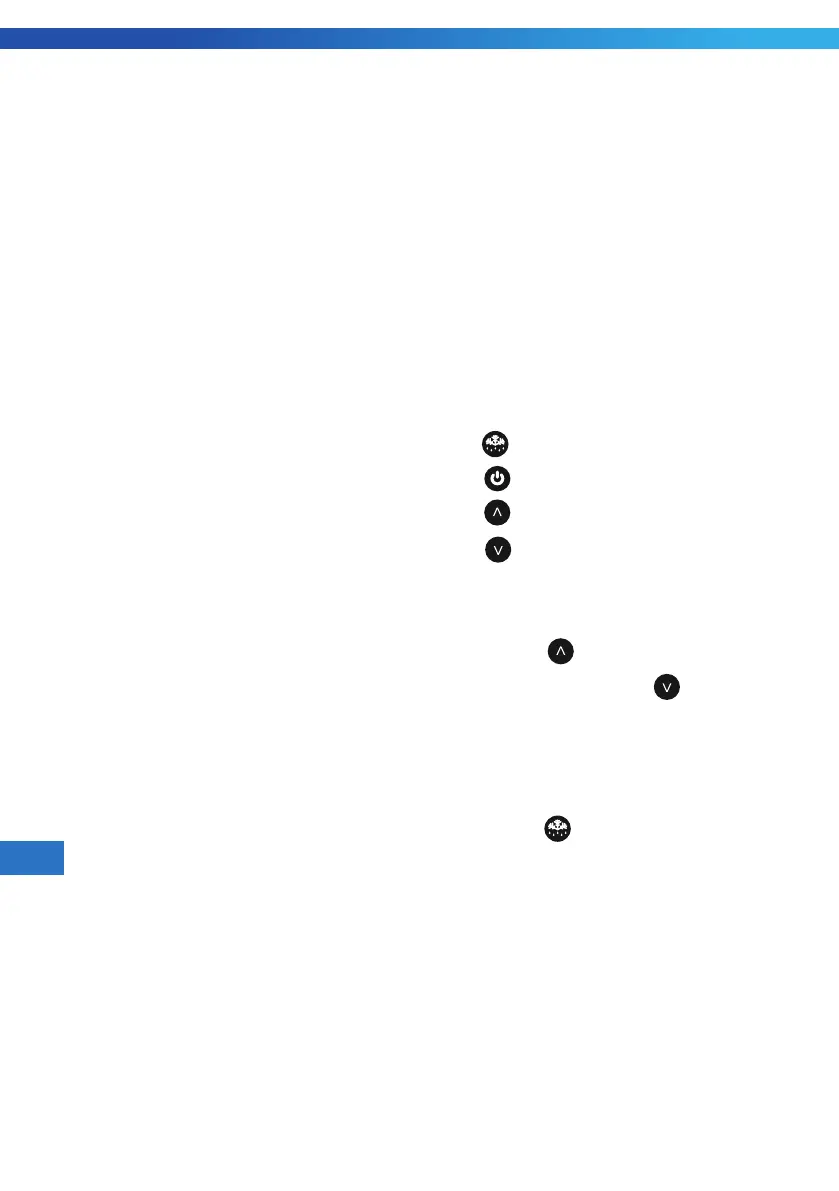
1) [ ] : Defrost Key
2) [
] : Stand by Key
3) [
] : Up Key
4) [
]: Down Key
4.4.2GENERAL INFORMATION
AND INSTRUCTIONS
Push the [ ] untl thetemperature
value is shown or push the [ ] until the
temperature value is shown.
4.4.3MANUAL DEFROST
Manuel start or stop of a defrost.
•Push the [
].


 To Next Page