13
EN
4 DEVICE USAE
4.1 THERMOSTAT ADJUSTMENTS
(
EWPLUS 978
)
4.1.1 GENERAL INFORMATION AND INSTRUCTIONS
The explanations regarding the symbols on the thermostat and general
information about the settings are given below.
NOTE
When the device starts worin, chec whether screen and liht
are worin or not.
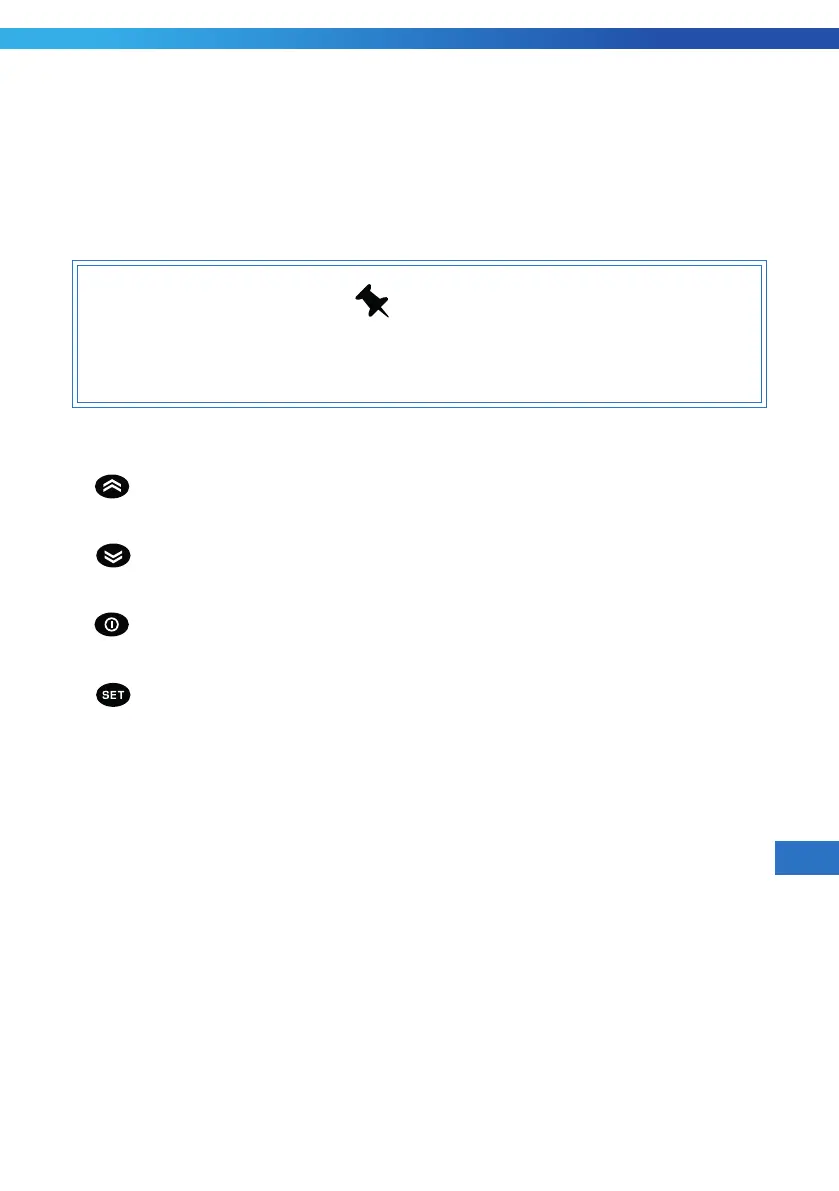
Thermostat visual is presented on Image H1 H1 .
Keys;
1-[
]/Defrost: Press and release, increases the sliding values between Menu
options or enables transition. When you press it at least for 5 seconds, Manuel
Defrost Loop starts.
2-[ ]/Light: internal menu status, decreases the sliding values between menu
options or enables transition. When you press it at least for 5 seconds, the light
turns on/off.
3- [ ]/(Esc): Press and release, enables to return to the previous menu level
and to approve parameter value. When you press it at least 5 seconds, opens the
programming menu. Approves the commands (Standby on).
4-[ ]/(Enter) : Press and release, shows alarms and opens sub menus
(if any). Approves the commands.


 To Next Page