© 2017 tekmar 562
_
D - 08/17
11 of 24
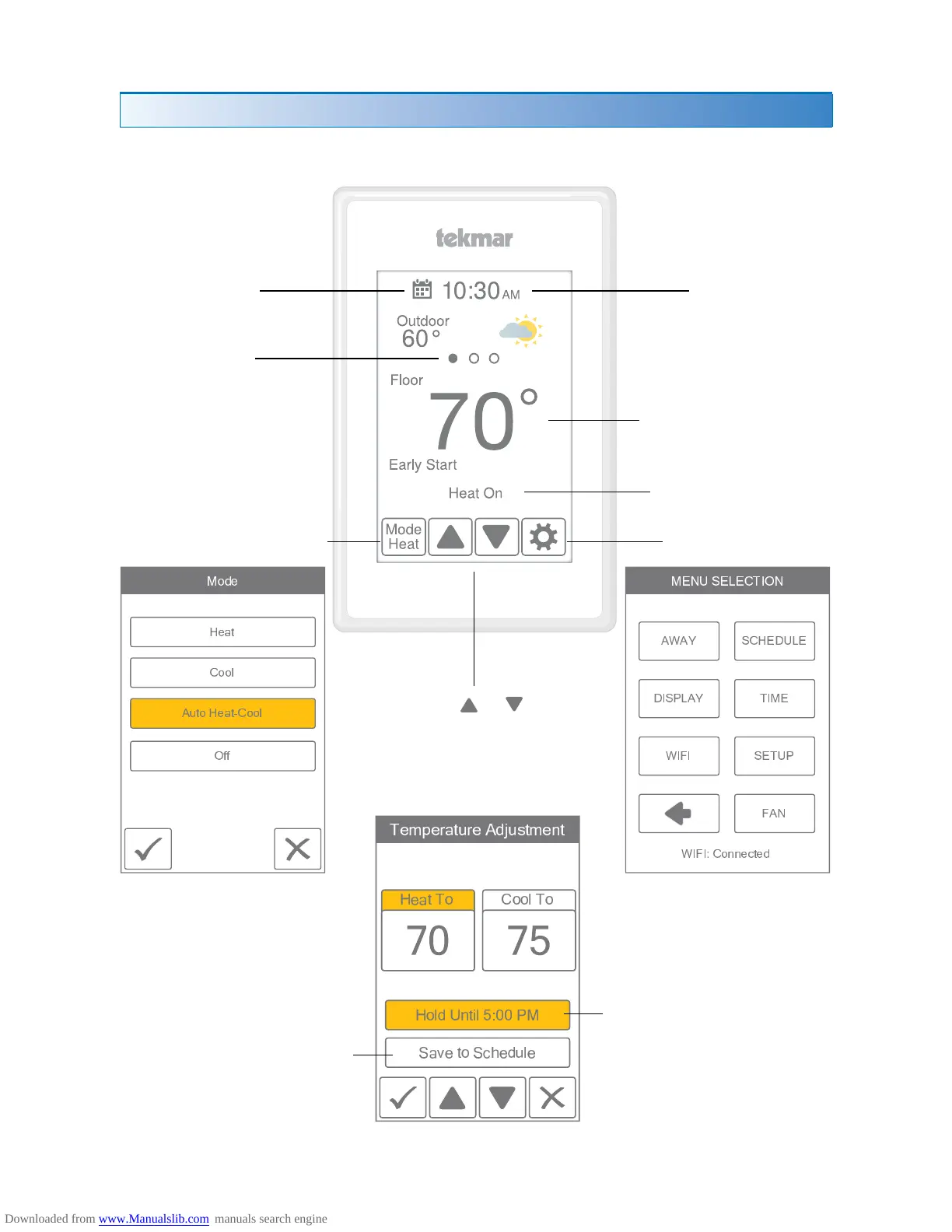
Home Screen
User Interface
Current time
Current temperature
Equipment operation
(Heat or Cool On)
Change operating mode
Touch
or to
adjust temperatures
Select either
Heat To or Cool To
Hold overrides the
programmed schedule
until the time shown
'Save to schedule' applies
the new temperature to the
current schedule event.
Go to settings
Swipe to view:
• Weather
• Outdoor temperature
• Floor temperature
• Heat To setting
• Cool To setting
Go to schedule
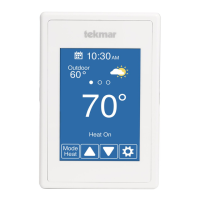
After 60 seconds of inactivity, the thermostat home screen displays only the time and
the temperature.
Save
Cancel
! " # $ % & ' ' ( )
* + , -
#
* . / -
0
-
- +
# 1 2 1
3 4 5 6 3 7 3 8 9 : ; 4
< = > ? @ A B ?
@ C > D B = E C F ?
< C G C > ? E A D
G H
< C G C I J J K L


 To Next Page