Change to the second function.
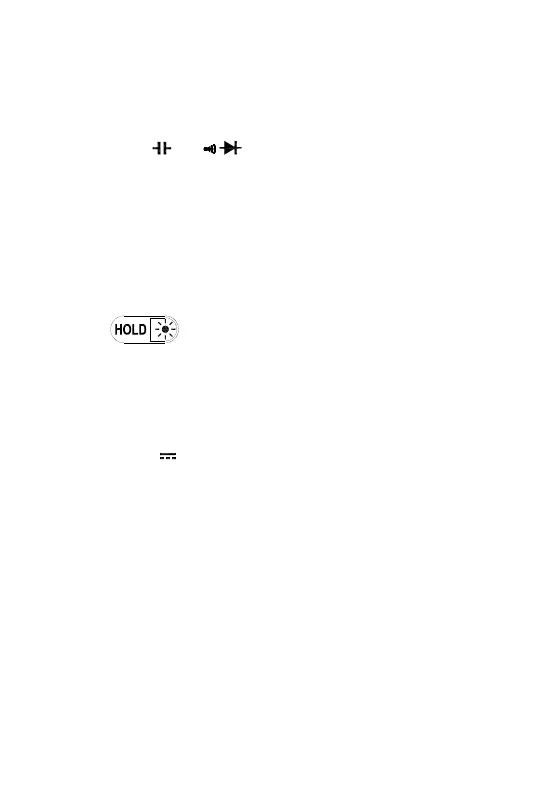
1. At and position
Switches between Resistance measurement, Diode
Test and Continuity check.
2. At A mA A position
Switches between dc and ac current.
3. Power-up Option
Disables automatic power-off feature. Keep press
this key when power on.
2.3.2
Press it to enter and exit the Data Hold mode. Press it
and hold 2 seconds, backlight on; if press it and hold for
2 seconds again, backlight off.
2.3.3 RANGE
At V~, V , , A, mA and A.
1. Press RANGE to enter the manual ranging mode.
2. Press RANGE to step through the ranges available
for the selected function.
3. Press and hold RANGE for 2 seconds to return to
autoranging.
2.3.4 REL△
1.Press REL△ to enter and exit the Relative
measurement mode. (Except Hz/Duty)
2. Keep press REL△ more than 2 seconds to enter the
the PCLINK mode.


 To Next Page