3.2.3 Capacitance measurement
To avoid electrical shock and/or damage to the
instrument, disconnect circuit power and
discharge all high-voltage capacitors before
measuring capacitance. Use the dc voltage
function to confirm that the capacitor is
discharged.
The Meter's capacitance ranges are 6.000nF, 60.00nF,
600.0nF, 6.000F, 60.00F, 600.0F, 6.000mF, 60.00mF.
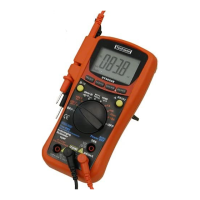
To measure capacitance (set up the Meter as shown in
Figure 3-5):
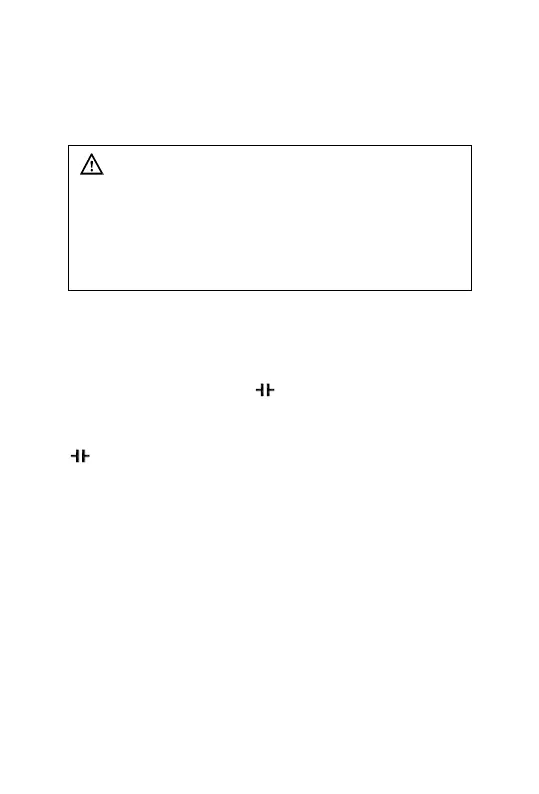
1. Set the rotary switch to range.
2. Press the SELECT key to select capacitance Test
3. Connect the black and red test leads to the COM and
terminals respectively (or you can use capacitor test
lead).
4. Connect the test leads to the capacitor being measured
and read the displayed value.
Some tips for measuring capacitance:
The meter may take a few seconds(>30 seconds in
600.0uF range) to stabilize reading. This is normal for high
capacitance measuring.
To improve the accuracy of measurements less than 6nF,
subtract the residual capacitance of the Meter and leads.
Below 100pF, the accuracy of measurements is
unspecified.


 To Next Page