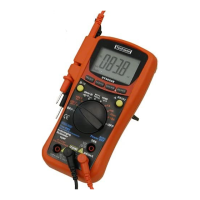
To enter and exit the Data Hold mode:
1. Press key (short press). Fixes the display on the
current value, H is displayed.
2. A second short press returns the meter to normal mode.
3.1.2 Manual ranging and Autorange mode
The Meter has both manual ranging and autorange options.
* In the autorange mode, the Meter selects the best range for
the input detected. This allows you to switch test points
without having to reset the range.
* In the manual ranging mode, you select the range. This
allows you to override autorange and lock the meter in a
specific range.
* The Meter defaults to the autorange mode in measurement
functions that have more than one range. When the Meter is
in the autorange mode, AUTO is displayed.
To enter and exit the manual range mode:
1. Press RANGE key. The Meter enters the manual ranging
mode. AUTO turns off. Each presses of RANGE key
increments the range. When the highest range is reached,
the Meter wraps to the lowest range.
NOTE: If you manually change the measurement range after
entering the Data Hold modes, the Meter exits this mode.
2. To exit the manual ranging mode, press and hold down
RANGE key for two seconds. The Meter returns to the
autorange mode and AUTO is displayed.


 To Next Page