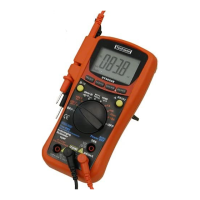
but will not damage the Meter.)
6. Turn on power to the circuit; then read the display. Be
sure to note the measurement units at the right side of the
display (A, mA or A). When only the figure "OL"
displayed, it indicates overrange situation and the higher
range has to be selected.
7. Turn off power to the circuit and discharge all high voltage
capacitors. Remove the Meter and restore the circuit to
normal operation.


 To Next Page