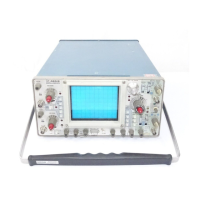
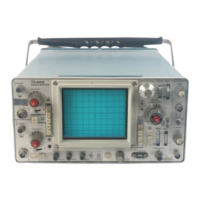
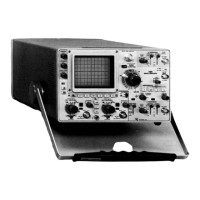
TEST OSCILLOSCOPE SETUP
Test Oscilloscope Control Settings
Apply a 20 mV
p
p,
positive-going
square wave from the
Calibration Generator to the
CH 1 or X input connector.
Connect the 465B
A +GATE (from the 465B rear panel)
to
the test oscilloscope external
trigger input connector.
Use
no terminations.
465B
Oscilloscope
control settings required
to obtain
valid waveforms are
given with each set of waveforms.
Changes from
the preliminary control settings
for
the
other
controls
is
not required.
All controls
as needed
for
the best display except
as
noted below:
Vert Mode
Ac-Gnd-Dc
Volts/Div
Trigger Source
Trigger Coupling
Trigger
Mode
Time/Div
Ch
1
As required
for
the
measurement to be made
As
needed for
each wave-
form
Ext
(465B A +GATE)
Ac
Auto
As needed for each wave-
form
Connect a 10X probe to the Channel
1 input of the test
oscilloscope.
Apply the probe tip
to
the
test point or Com
ponent lead as indicated
on
the
schematic and the com-
ponent
board layout Figure associated
with that schematic.
DC VOLTAGES
Typical
voltage
measurements were obtained with the instrument operating under the
conditions noted in
the control
settings adjacent to each schematic diagram. Voltage measurements
were taken with no signal applied
to
the
vertical or
trigger inputs. All voltages measured with reference to chassis ground. Voltages rounded
to the nearest tenth of
a
volt.
Item
Digital Multimeter (for
voltages up
to 1 kV
DC
Voltmeter (for voltages
above
1
kV)
RECOMMENDED
TEST
EQUIPMENT
Specifications
Range: 0
to
1 kV.
Input Impedance:
10 Mfi.
Range:
0 to 3 kV.
Input Impedance: 20 kft/V.
Example
TEKTRONIX
DM 501 Digital Multimeter.
TEKTRONIX Oscilloscope with
DM 44
Option.
Triplett Model 630NA.


 To Next Page
 Loading...