Operation
6. Specify what to search for by making a
selection from the S earch for drop-down
list.
To search for signal levels above or
below a s pecified level, select either is
greater than
or is less than .
To search for signal levels that vary with
frequency, select either is outside mask
or is inside m
ask. To specify the limits
in the search mask, clic k the Edit limits
button.
The orange s
haded area in the graph
display shows the levels whic h, if
occupied by the signal, will constitute a
match.
Display wi
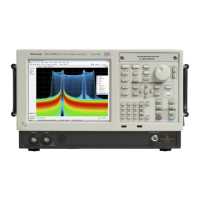
th greater than search selected
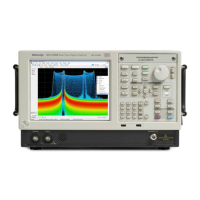
Display with out side mask search selected
58 RSA6100A Series & RS A5100A Series Quick Start User Manual

 To Next Page
 Loading...