Telemark Cryogenics Microprocessor Based Cryochillers
Revision 1.0.7 October 2018
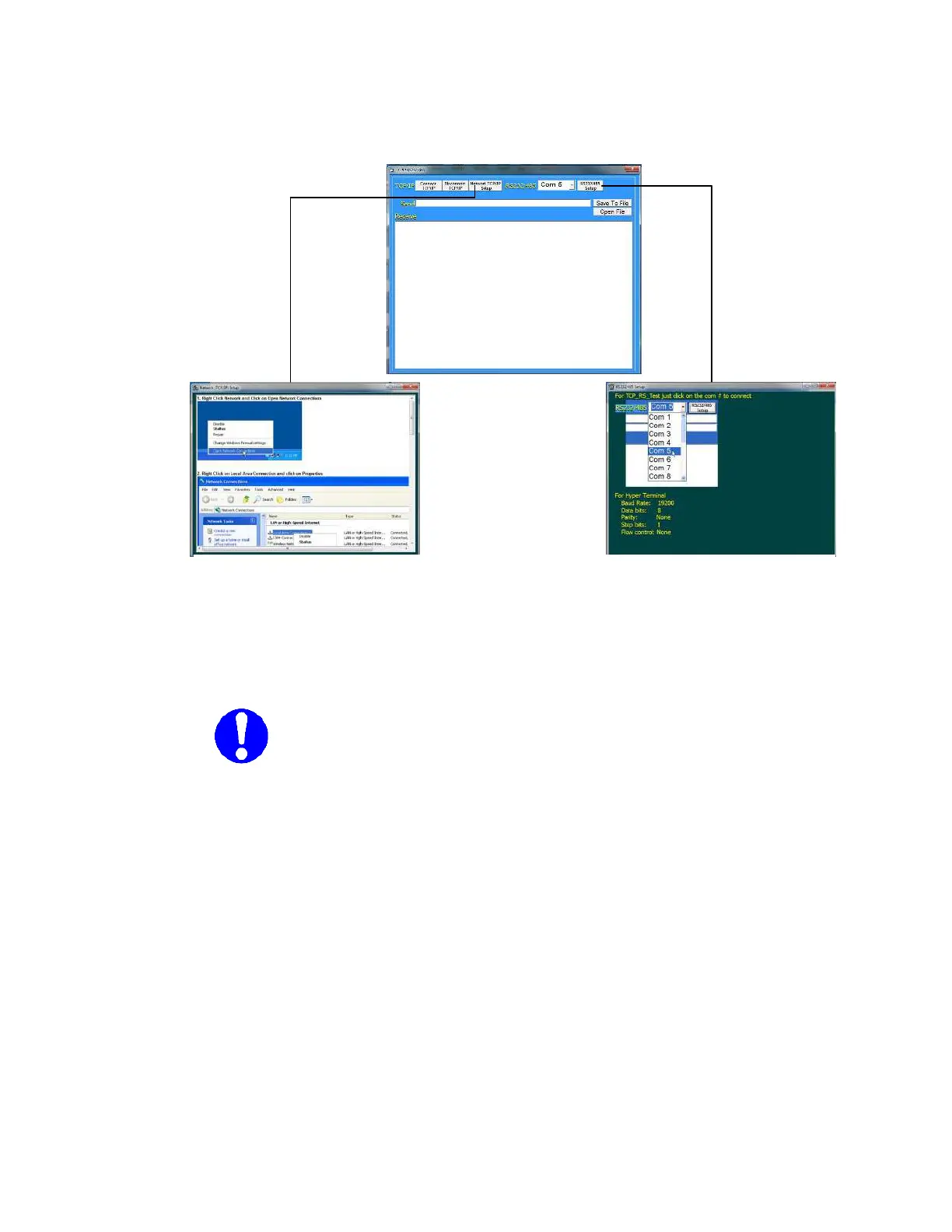
The above are the help Setup Screens to aid the user in connection an
external communications device to the Cryochiller.
Note
: The default serial communications method is Ethernet.
RS232/485 serial communications are availed as a no-cost
option but must be specified at time of order.
Fig 20
Ethernet TCP/IP and RS232/485 Help



 To Next Page