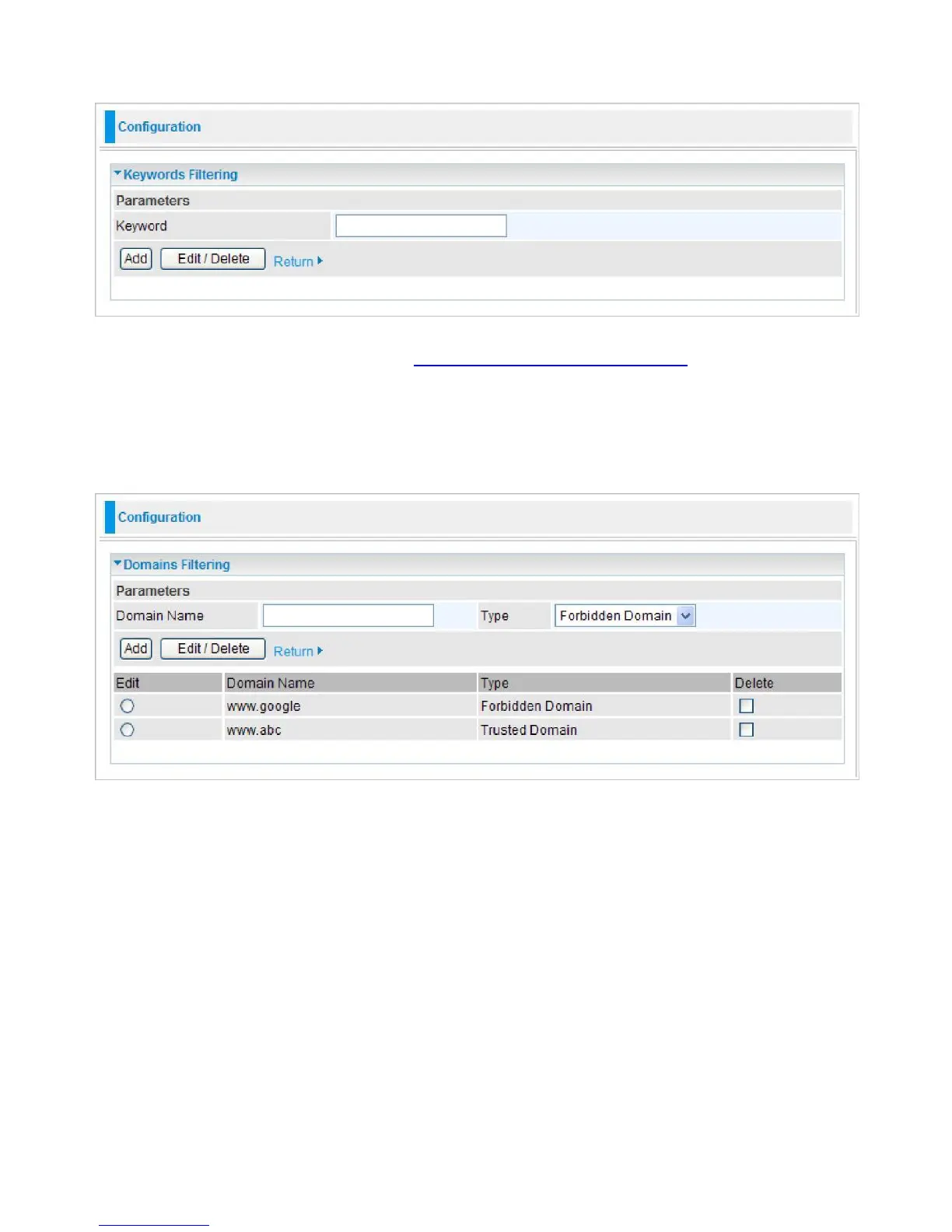
Keywords Filtering
Click the checkbox to enable this feature. To edit the list of filtered keywords, click Details.
Enter a keyword to be filtered and click Apply. Your new keyword will be added to the filtered
keyword listing. For example, if the URL is
http://www.abc.com/abcde.html
, it will be dropped as
the keyword “abcde” occurs in the URL.
Domains Filtering
Click the top checkbox to enable this feature. To edit the list of filtered domains, click Details.
Enter a domain and select whether this domain is trusted or forbidden with the pull-down menu.
Next, click Apply. Your new domain will be added to either the Trusted Domain or Forbidden
Domain listing, depending on which you selected previously.
Except IP Address
You may also designate which IP addresses are to be excluded from these filters by adding them
to the Exception List. To do so, click Details.



 To Next Page