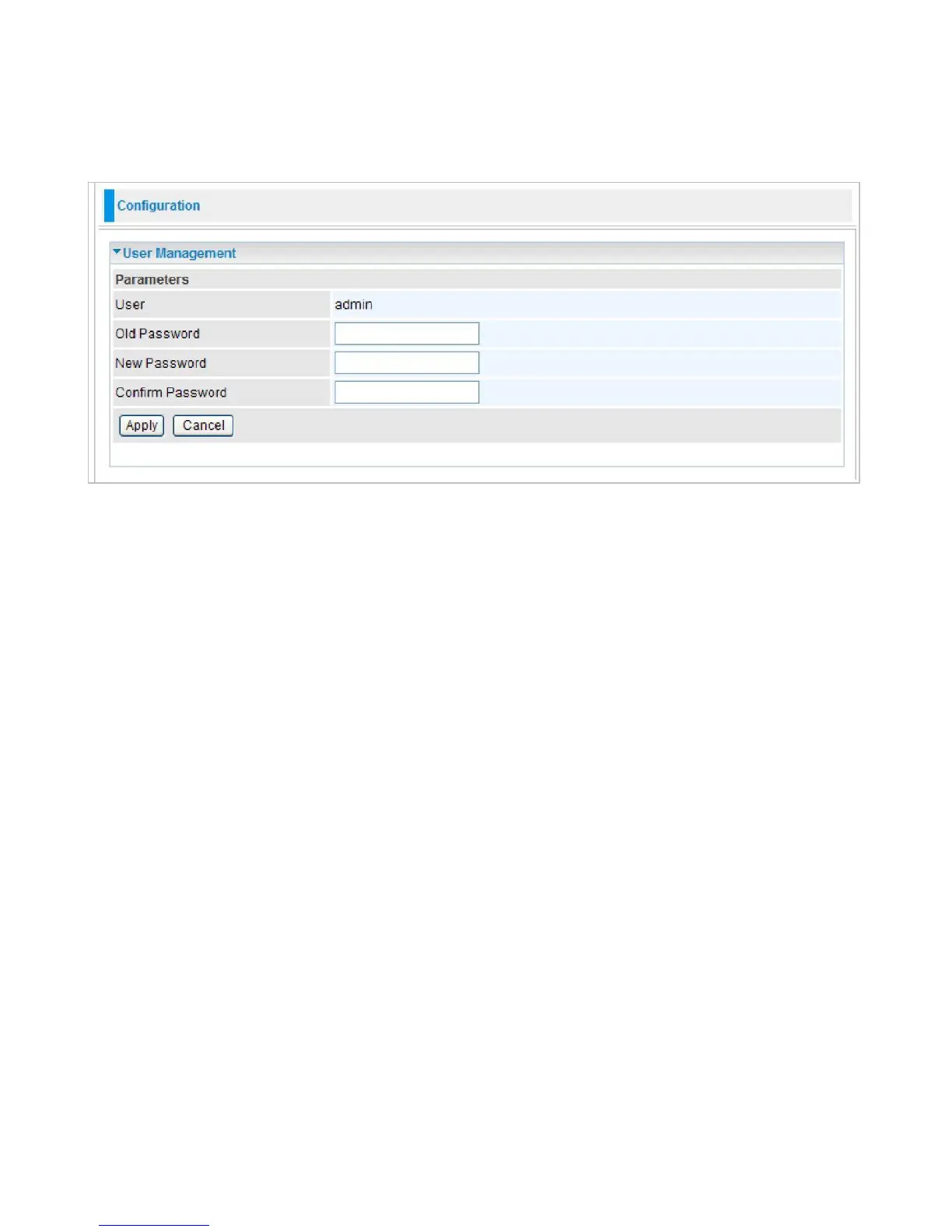
User Management
In order to prevent unauthorized access to your router configuration interface, it requires all users
to login with a username and password. Therefore only system administrator can access the
system. It is highly recommended that you change your password upon receiving your router. The
default password is “admin”.
To change your password, simply enter the old password in the Old Password blank. Then enter
your new password in the New Password and Confirm Password blanks provided. When this is
done, press Apply to save changes.



 To Next Page