18 | Section 3
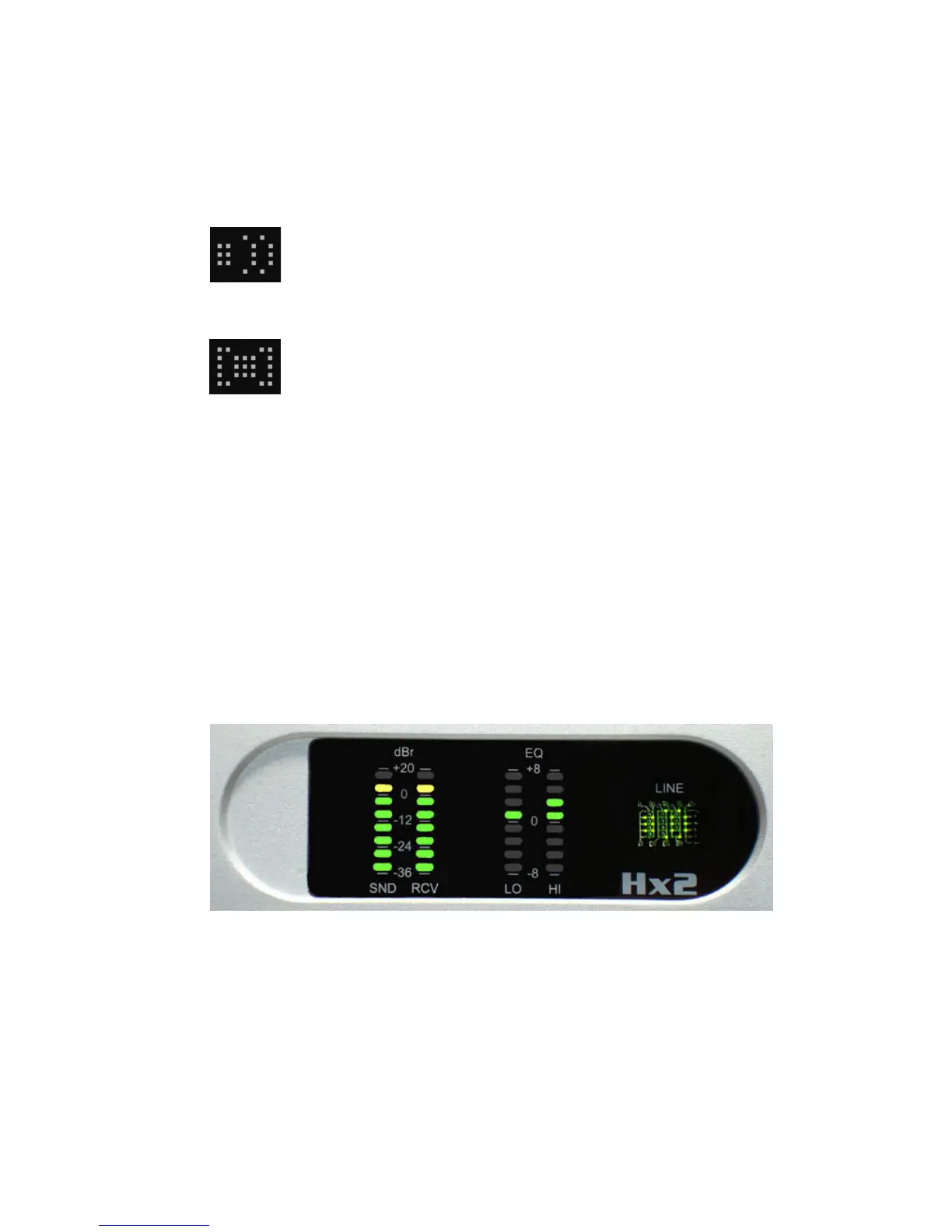
Call is ON-AIR
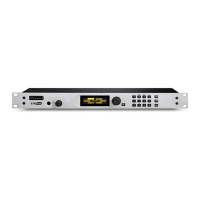
Call is ON-HOLD
If the Line Status display indicates “Line not detected” after power-up, the telephone line is not
connected to the LINE jack on the back Panel, or line voltage is not detected. Check your wir-
ing and verify that dial tone is present on the line. is function is not compatible with ground
start lines or trunks as these do not have loop current or voltage present until the line has been
grounded momentarily or is ringing.
3.3 Metering
Each hybrid has its own SND and RCV meters to simultaneously display the studio input audio
level, as well as the output level of the caller. Set the input level pot so that 0dbu on your console
causes the Hx to display a yellow bar on the SND bargraph. e meter displays audio before any
processing.
e output meter indicates audio levels after all processing and EQ. It’s also useful for trouble-
shooting mix minus and other audio issues. A yellow bar corresponds to +4dbu at the audio
output. e nominal output level is xed at +4dbu.
Each hybrid also has a pair of EQ meters which show that amount of gain adjustment applied
to the incoming caller audio in HI and LO frequency bands. When the DDEQ feature is
disabled via the Back Panel DIP switch settings, nothing will appear on the EQ HI and EQ
LO bar graphs.


 To Next Page