30
VOICE
Press to use the voice command feature.
HANDSET AND TELEPHONE BASE DISPLAY
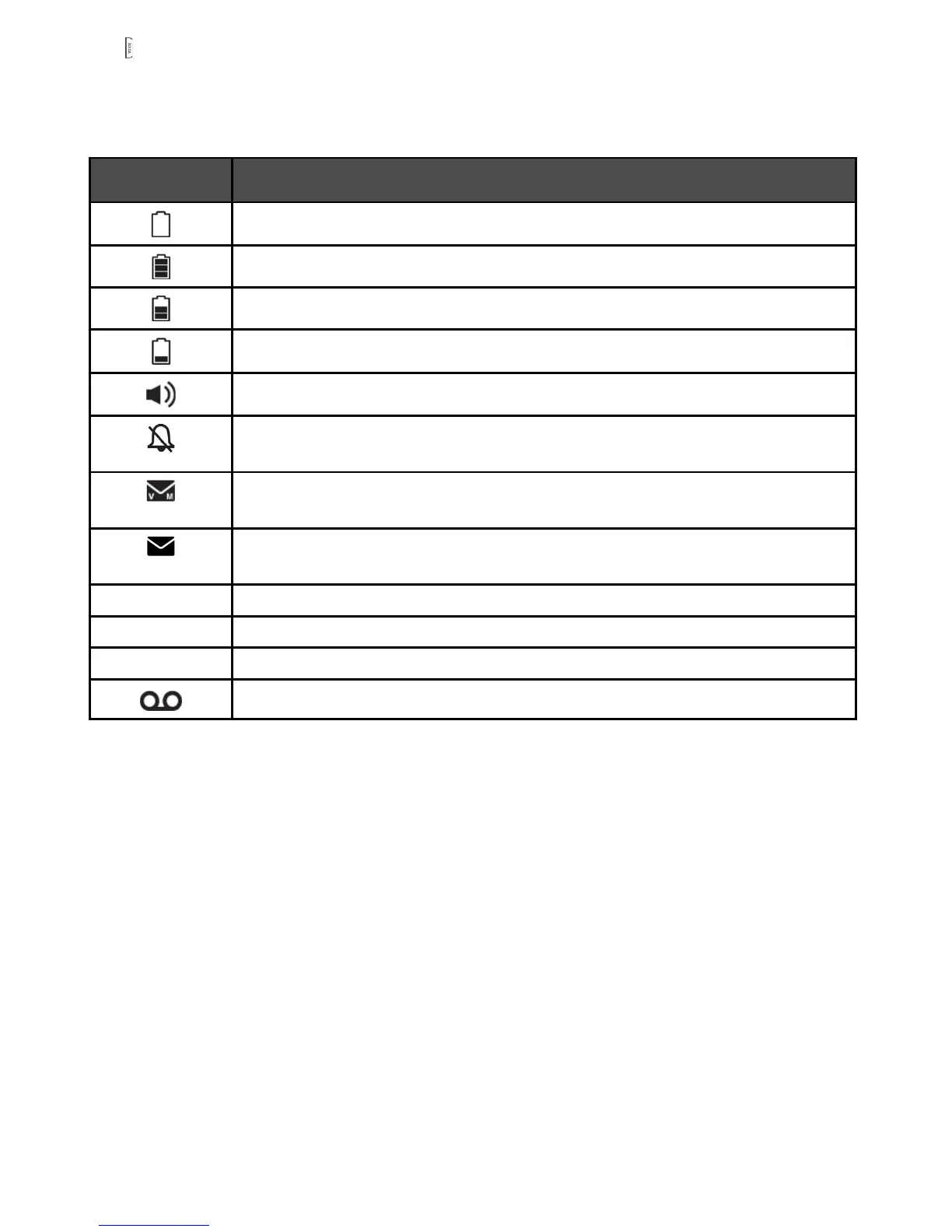
Display icons Description: Icons can be on (visible), or Flashing or Off (not visible)
Battery is low; place handset in charger to recharge.
Full battery power level.
2/3 battery power level.
1/3 battery power level.
The handset speakerphone is in use.
On steadily if the telephone base and handset ringers are turned
off.
Displays on the handset when received a new voicemail from your
telephone service provider.
Displays on the telephone base when received a new voicemail
from your telephone service provider.
MUTE Microphone is muted.
NEW New call list- Missed and new calls.
ANS ON The answering machine is turned on.
New message in the answering machine.
7.
•



 To Next Page