22
MENU/SELECT
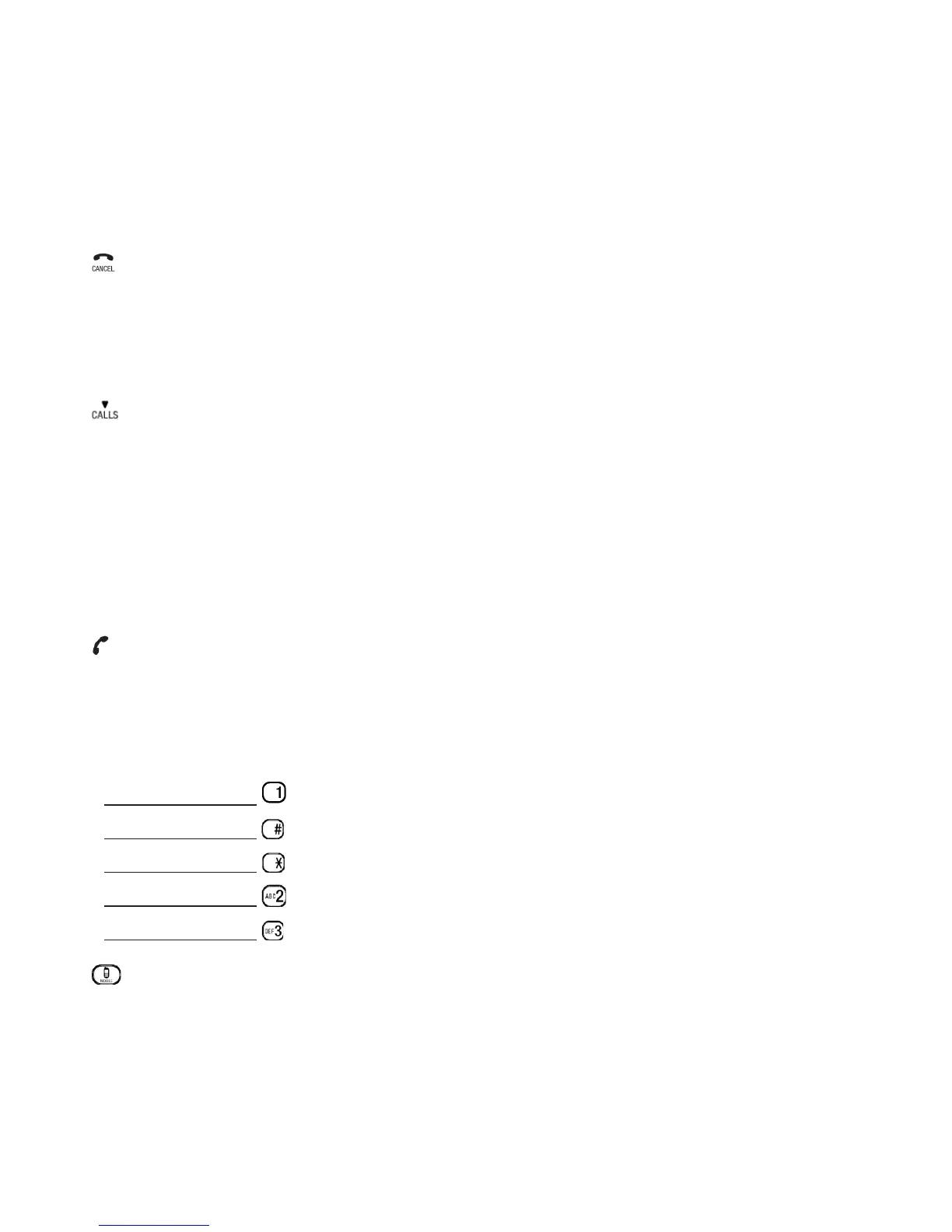
Press to show the menu.
Press to choose an item, or save an entry or setting while in a menu.
Press to hang up during a call.
Press to silence the ringer temporarily while the handset is ringing.
Press to return to the previous menu.
/VOLUME
Press to review the call list when the phone is not in use.
Press to decrease the listening volume during a call or message playback.
Press to scroll down while in a menu, or reviewing the phonebook, call list or
redial list.
Press to move the cursor to the right while entering numbers or names in the
phonebook.
Press to make or answer a call.
ALPHANUMERIC KEYPAD / *(star) / #(hash)
Press to enter numbers or characters.
Press and hold to access Telstra Home Message 101
®
or MessageBank
®
.
Press and hold to turn the ringer on or off.
Press and hold to lock the keypad.
Press and hold during a call to answer call waiting.
Press and hold to start a 3-way-chat.
Press to answer a mobile call.
Press to redial a mobile call.
4.
•
•
5.
•
•
•
6.
•
•
•
•
7.
•
8.
•
•
•
•
•
•
9.
•
•



 To Next Page