26
NAVIGATING THE MENUS
Your Telstra 13500/13550 has an easy to use menu system. Each menu has a list
of options, as outlined on the following page.
To enter the main menu of the handset
Press MENU when the phone is not in use.
Press or until the handset displays the desired feature menu.
Press SELECT to enter that menu.
To return to the previous menu, press .
To return to idle mode, press and hold .
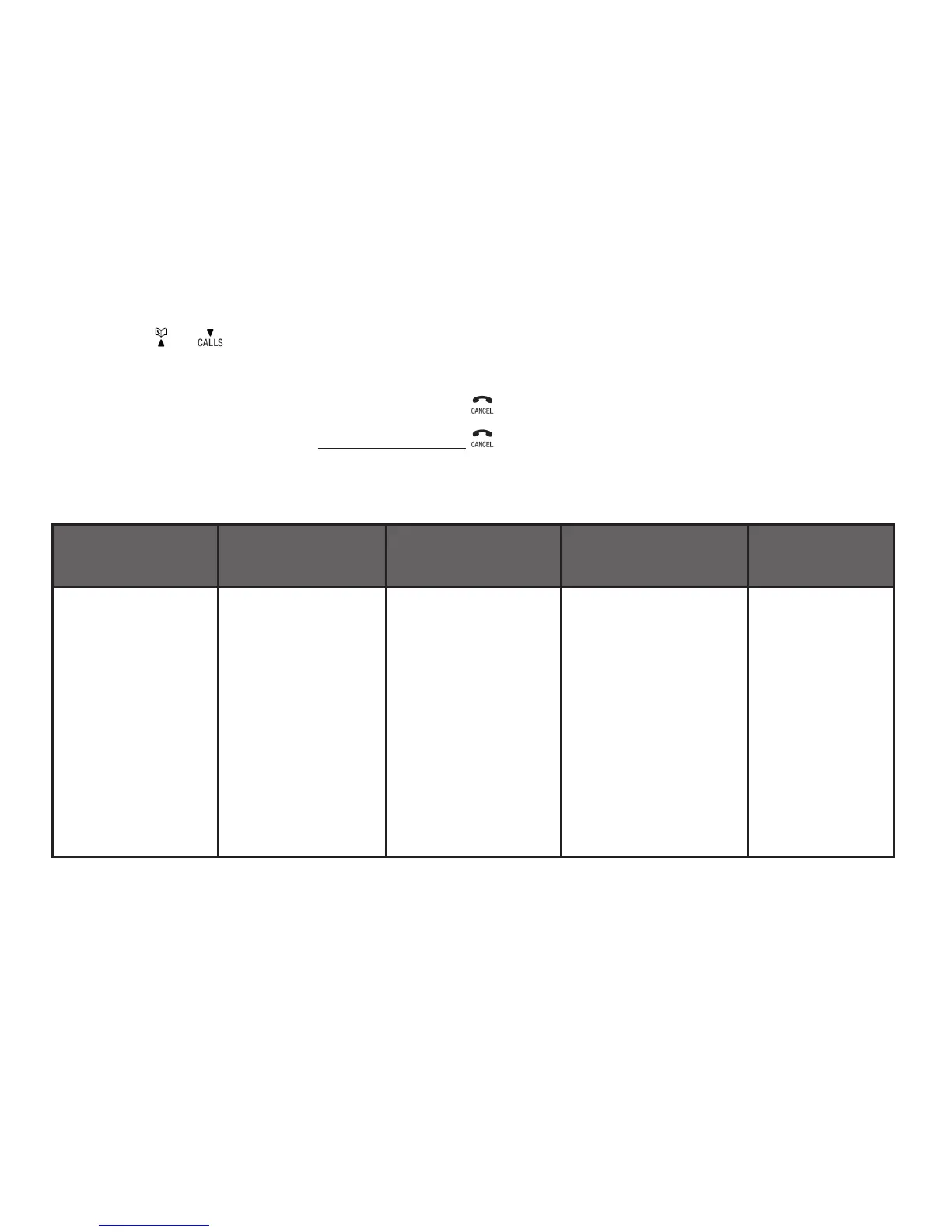
HANDSET MENU LAYOUT
CALL LIST PHONEBOOK BS SETTINGS HS SETTINGS PAIR
MOBILE
ADD TO PB
DELETE
DELETE ALL
CATEGORY
ADD
VIEW
EDIT
DELETE
DELETE ALL
PB STATUS
BS RINGER (for
13550 only)
RING VOLUME
(for 13550 only)
DELETE HS
FLASH TIME
CHANGE PIN
ALARM
RING SETUP
TONE SETUP
RENAME HS
AUTO ANSWER
DATE & TIME
SELECT BASE
POWER OUTAGE
REPLACE
DELETE
CONNECT
1.
2.
3.
•
•



 To Next Page