101
Retouch Your Pictures
You can edit your photos using various post processing effects
described below. The adjusted picture is saved in the Edited
album, with the original image unchanged.
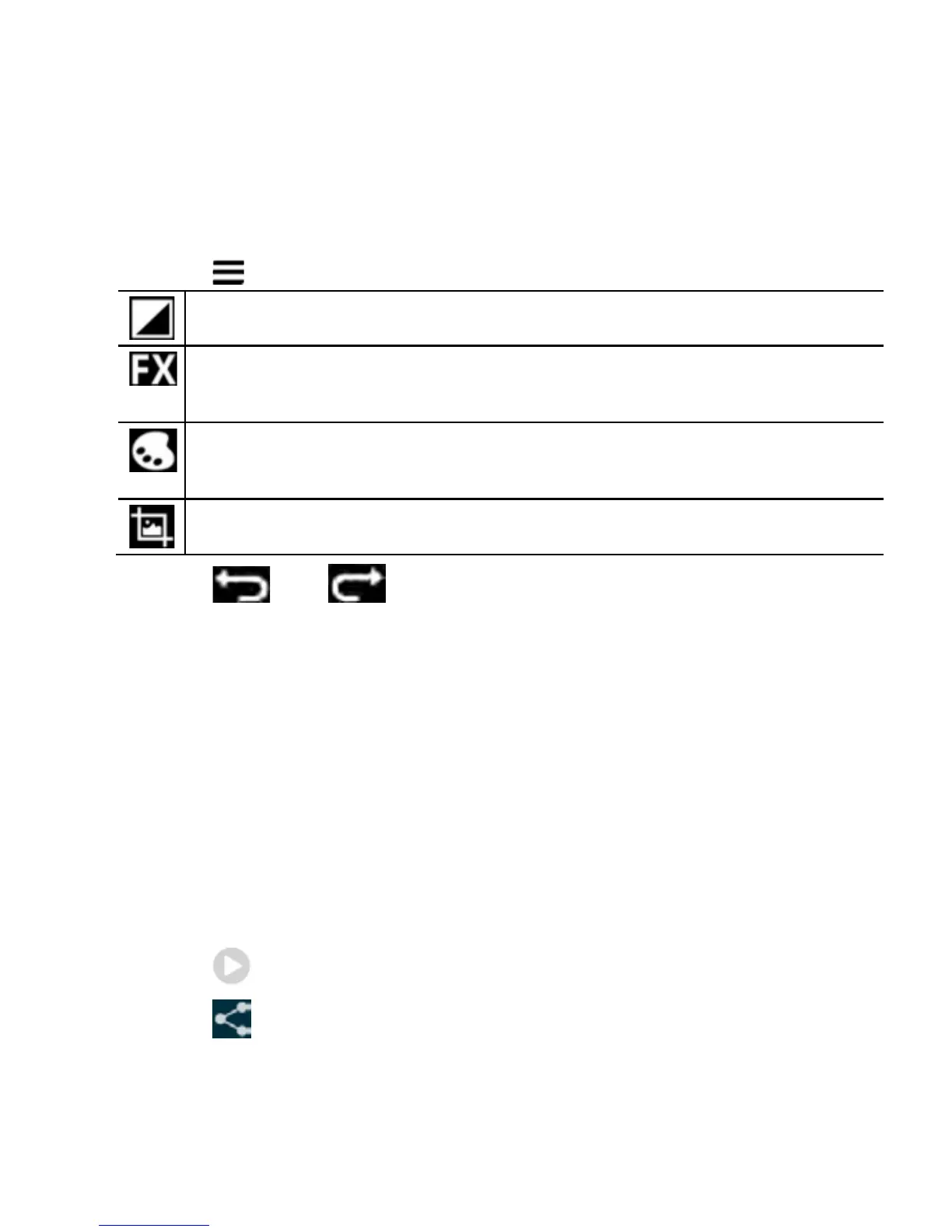
1. Touch > Edit to view the editing options:
Vary fill light, highlights or shadows, or auto-fix.
Cross-process, Posterize, Lomo, Documentary,
Vignette, film grain, fish eye.
Colour palette effects: Warmth, saturation, B&W, sepia,
negative, tint, duo-tone or doodle.
Crop, red eye, straighten, rotate, flip, or sharpen.
2. Touch or at the top of the screen to undo or
redo.
3. Touch SAVE to save the new picture to the Edited album.
4. Touch Back to exit with or without saving.
Working With Videos
Play and Share Videos
1. Touch an album in the gallery and then touch the thumbnail.
Touch at the centre to start playing.
2. Touch to share
3. Touch the screen to view the playback controls.



 To Next Page