96
Camera
You can take photos and record videos. Photos and videos are
stored to the phone’s memory card or the phone’s internal
storage. You can copy them to your computer or access them in
the Gallery app.
Capturing a Photo
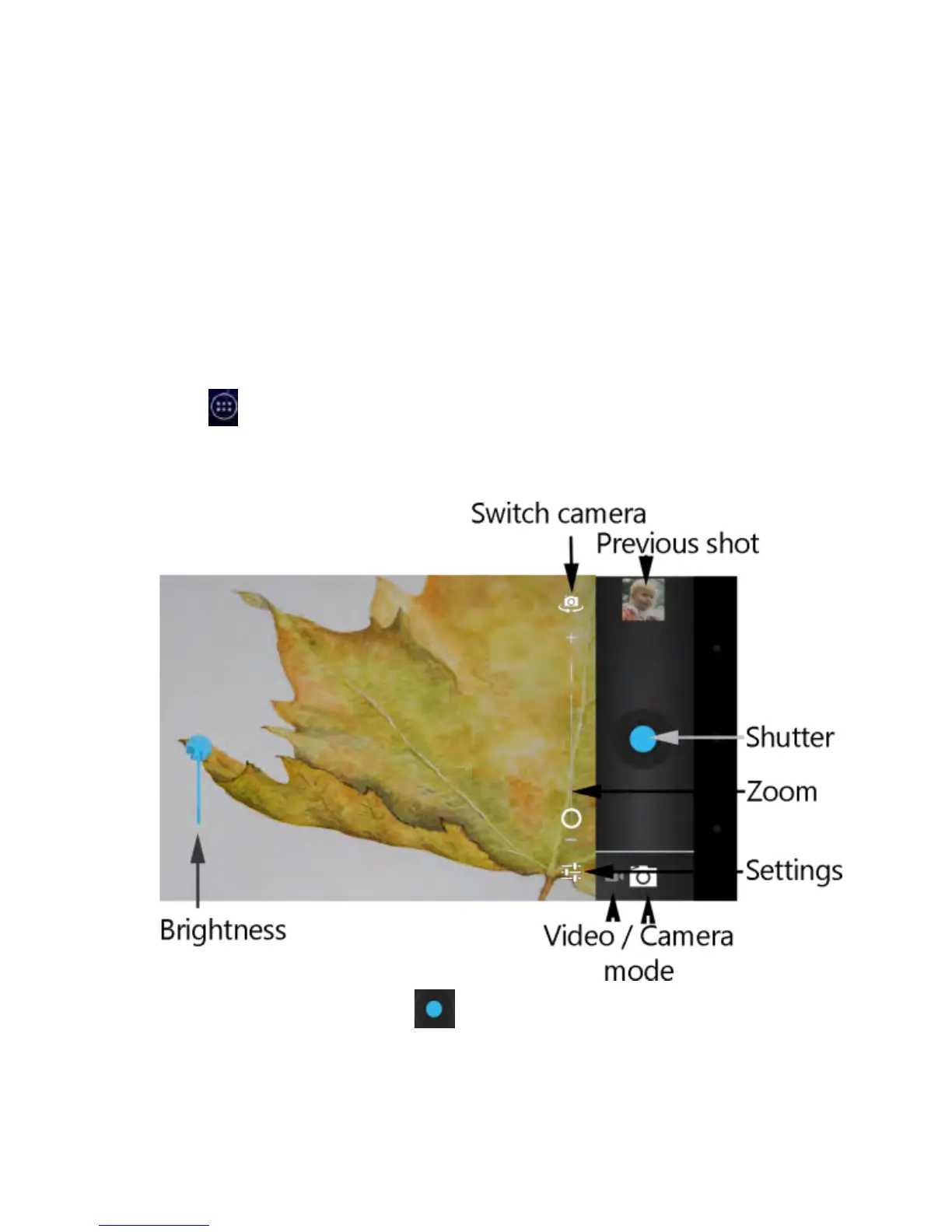
1. Touch from the Home Screen and select Camera.
2. Aim the camera at the scene and make any necessary
adjustment.
3. Touch the blue button , or press the Volume Up or
Volume Down Key to take the picture.



 To Next Page